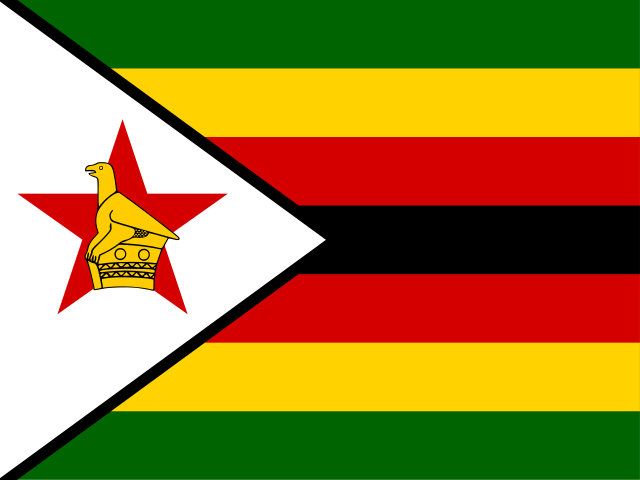
Country flags are often used for picking a language, or for content that goes with a certain country. The J1 Theme comes with country flags built in. You can use them to make language pickers or country labels easier to spot for your visitors.
The J1 Theme uses the CSS file from the Flag Icons project by Panayiotis Lipiridis. Flag Icons is a set of country flag pictures saved in the SVG format. SVG pictures can be made bigger or smaller without losing any sharpness.
HTML Markup
There is no official HTML markup for CSS font icons, but two ways are commonly used. You can use either one with block items like the anchor tag <a> or with span items <span>. It is up to you which to use for your font icons.
HTML code examples to use CSS font icons
<span class="flag-icon flag-icon-gr rectangle size-md" role="img" aria-label="flag-gr"></span> (1)
<i class="flag-icon flag-icon-gr rectangle size-md"></i>  (1) (2)
| 1 | Both forms are consistent with the HTML5 specification |
| 2 | It’s short and the i tag <i> may associated for an icon (semantic meaning) |
| | The i tag <i> works well for both computers and people. The HTML spec gives it a meaning that machines can read, and people can easily link i in their mind with the word icon. Plus, it is just one letter long — quick to write. And if you add equivalent text either inside the <i> tag or right next to it, then screen readers can tell visitors what the icon is for. The link still works even if the CSS does not load, and sighted visitors with a good browser see a nice icon. |
Asciidoc Markup
If your page is written in Asciidoc, there is an even easier way: use the Asciidoc markups below.
Code examples using Asciidoc Markup
pass:[<i class="flag-icon flag-icon-<name> <style> <size> <modifier>"></i>] (1)
flag:country[style, size, modifier] (2)
| 1 | Markup using a pass block |
| 2 | Markup using the Asciidoc (inline) extension flag |
Styles
Country flag icons come in two styles: rectangle rectangle and square squared. The default is rectangle (a 4:3 shape). For a more compact look, you can use the square style (a 1:1 shape).
Code example using Asciidoc Markup
flag:de[rectangle, md] Germany, rectangle style +
flag:de[squared, md] Germany, squared style
Rendered flags
-
Germany, rectangle style
-
Germany, squared style
Sizes
You can change how big a flag icon is to make it stand out more, or to fit it in a tight spot. Just use the optional size setting.
| | The size of a flag is set relative to the base font size. The base font size today is 16 pixels (16px), which equals 1rem. So if you set the flag size to 2x, the flag width becomes twice that — 32px. |
See below for what sizes you can use.
Relative Sizes
To work well with Bootstrap and to adjust to any screen, you can set the icon size using the Bootstrap screen-size shortcuts: from xs to xl — xs, sm, md, lg, xl.
Table 1. Flag sizes, responsive | Size | Style | Markup | Render |
| | |
|
| | |
|
| | |
|
| | |
|
| | |
|
Proportional Sizes
You can also set the size relative to the base size, from 1x to 10x (1x to 10x). See the examples in the table below.
Table 2. Flag sizes, proportional | Size | Style | Markup | Render |
| | |
|
| | |
|
| | |
|
Modifiers
For more layout control, you can add extra CSS styles called modifiers to your flag icons. Here is an example:
Example using modifiers for Asciidoc Markup
flag:de[rectangle, md, ml-3 mr-3 mb-2] Germany, rectangle style +
flag:de[squared, md, ml-3 mr-3 mb-2] Germany, square style
Rendered flags
Germany, rectangle style
Germany, square style
Flags Overview
Find all flags available, listed in A-Z order.
A - C
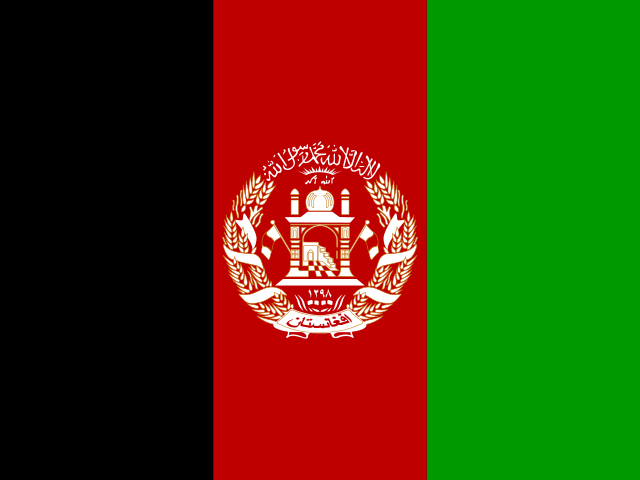
AF Afghanistan
Kabul
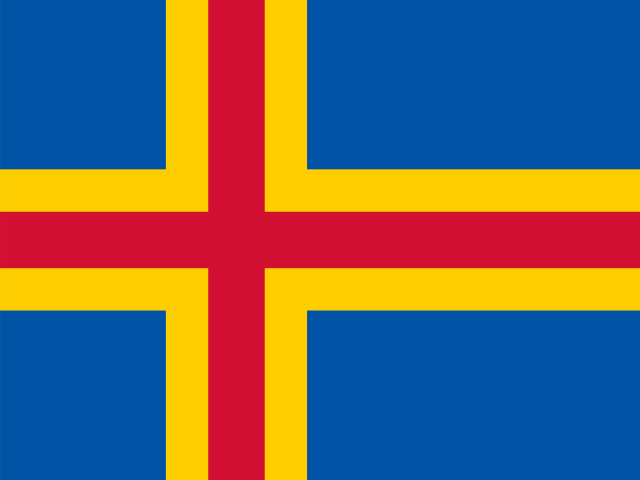
AX Aland Islands
Mariehamn
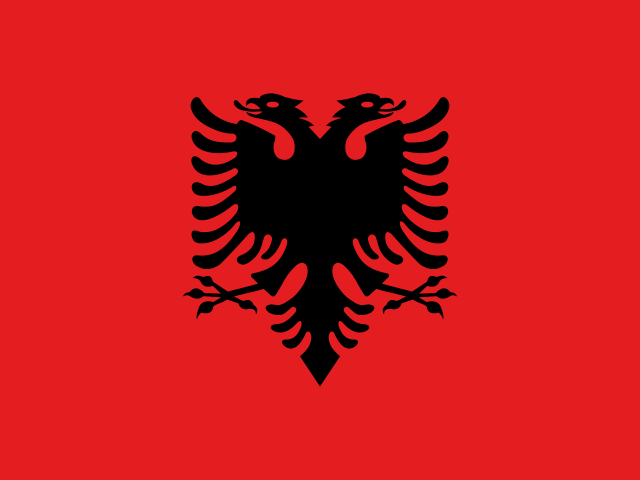
AL Albania
Tirana
DZ Algeria
Algiers
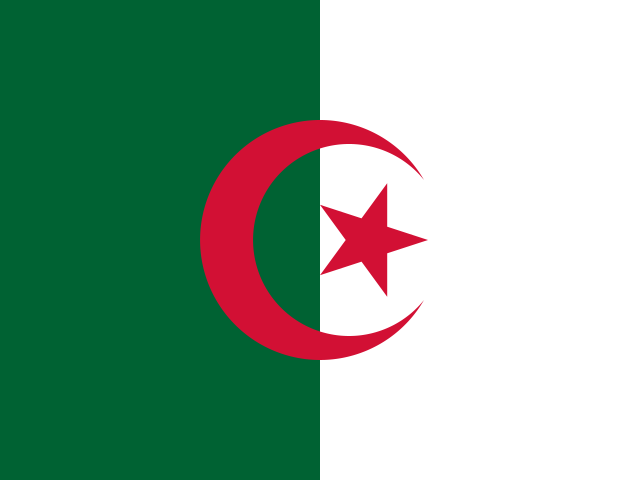
AS American Samoa
Pago Pago
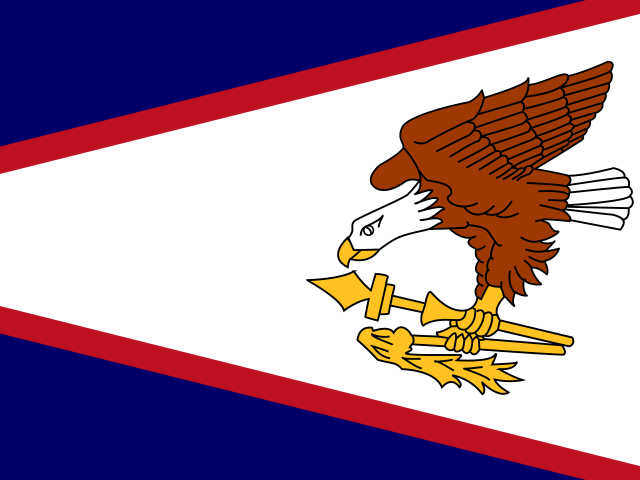
AD Andorra
Andorra la Vella
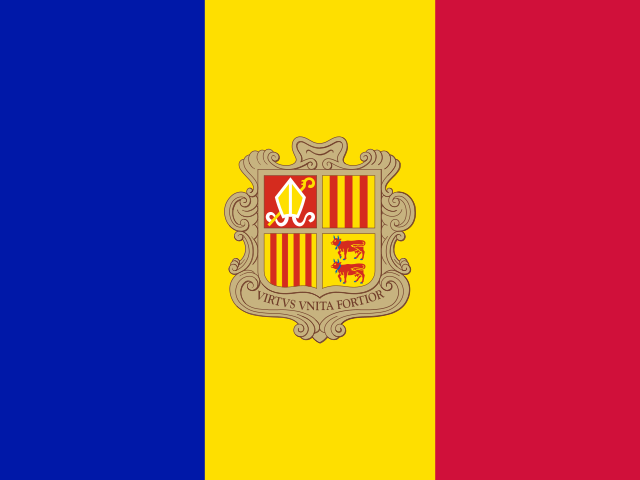
AO Angola
Luanda
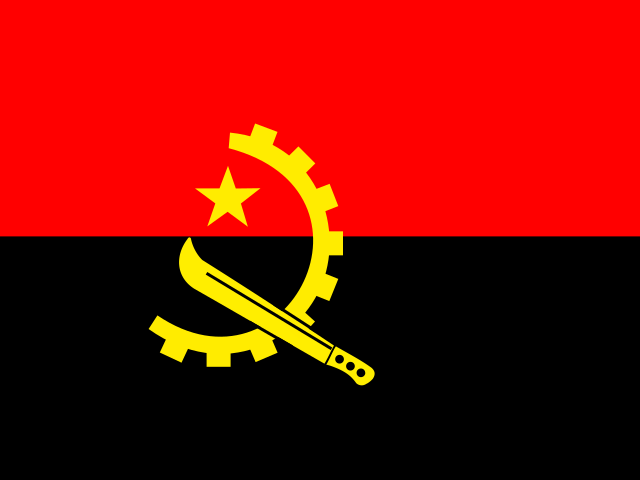
AI Anguilla
The Valley
AG Antigua and Barbuda
St. John's
AR Argentina
Buenos Aires
AM Armenia
Yerevan
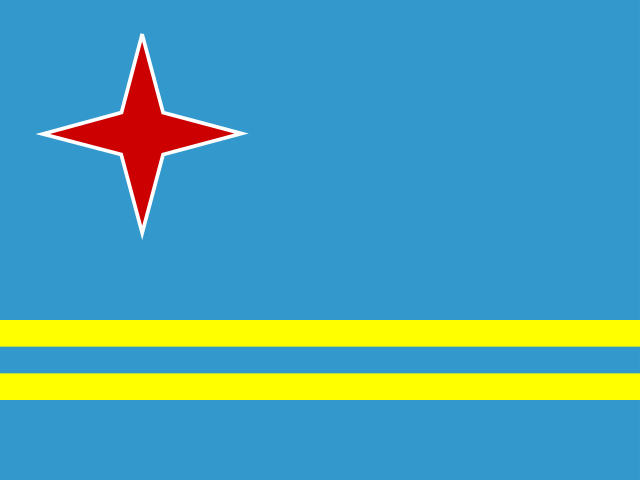
AW Aruba
Oranjestad
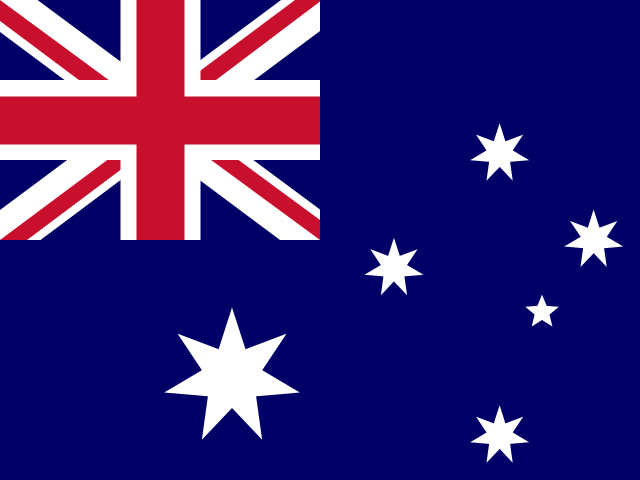
AU Australia
Canberra
AT Austria
Vienna

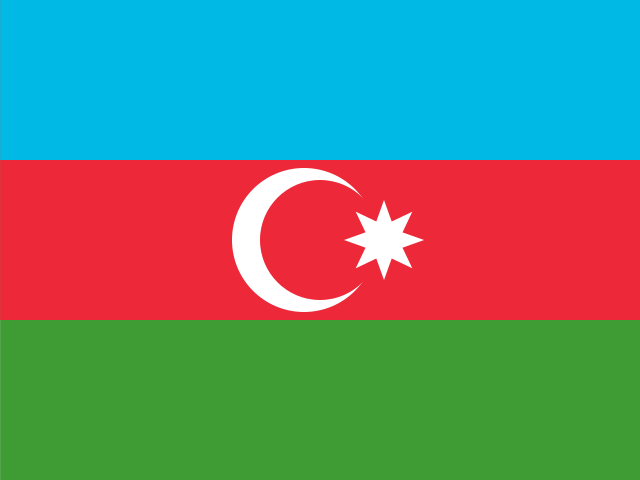
AZ Azerbaijan
Baku
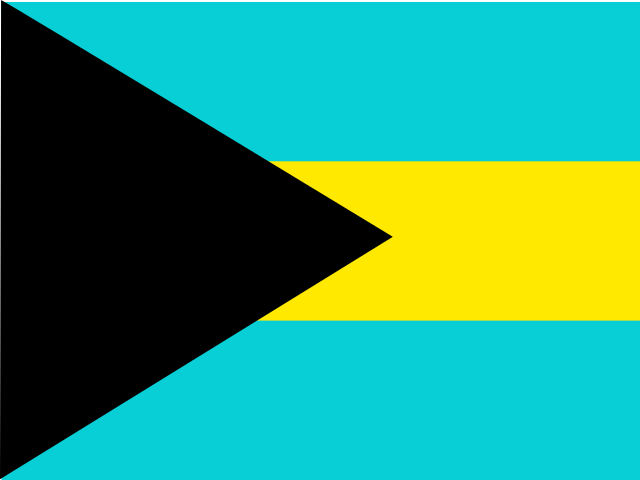
BS Bahamas
Nassau
BH Bahrain
Manama
BD Bangladesh
Dhaka
BB Barbados
Bridgetown
BY Belarus
Minsk
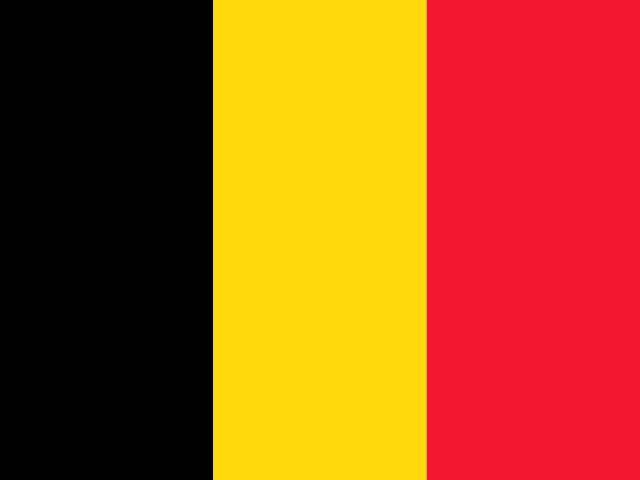
BE Belgium
Brussels
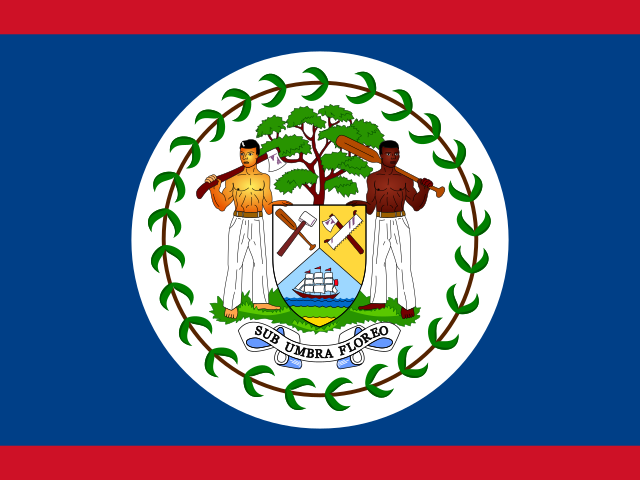
BZ Belize
Belmopan
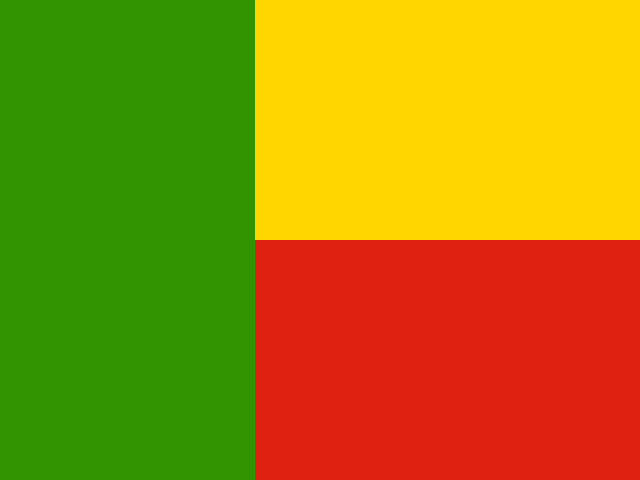
BJ Benin
Porto-Novo
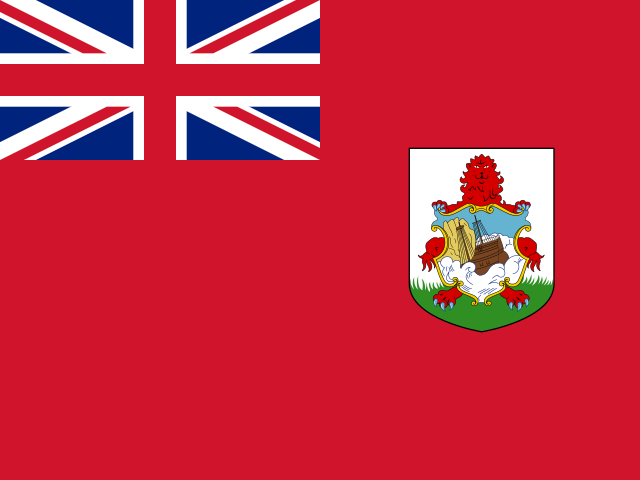
BM Bermuda
Hamilton
BT Bhutan
Thimphu
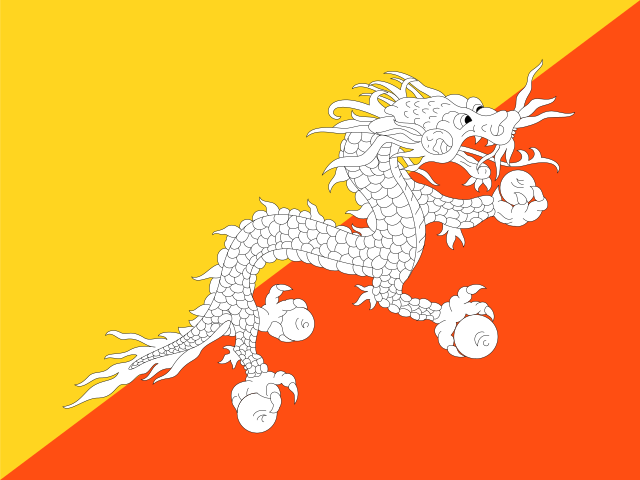
BO Bolivia (Plurinational State of)
Sucre

BQ Bonaire, Sint Eustatius and Saba
Kralendijk
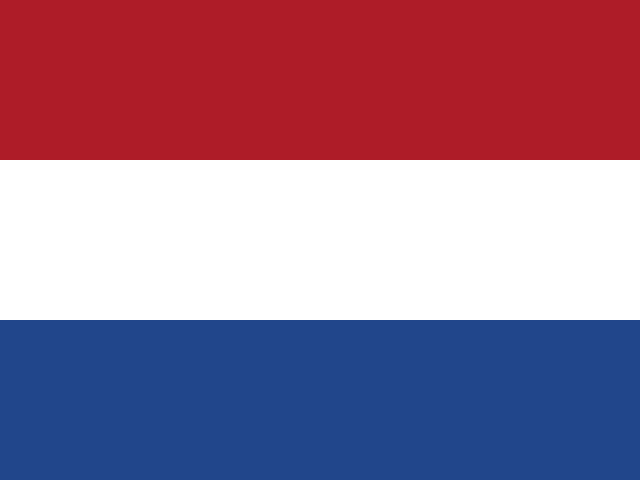
BA Bosnia and Herzegovina
Sarajevo
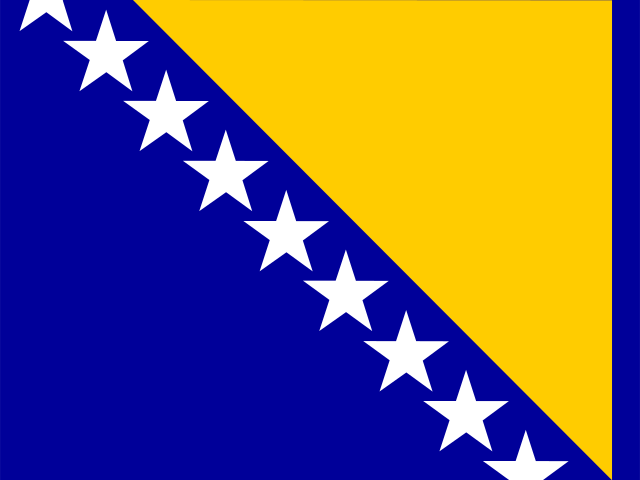
BW Botswana
Gaborone
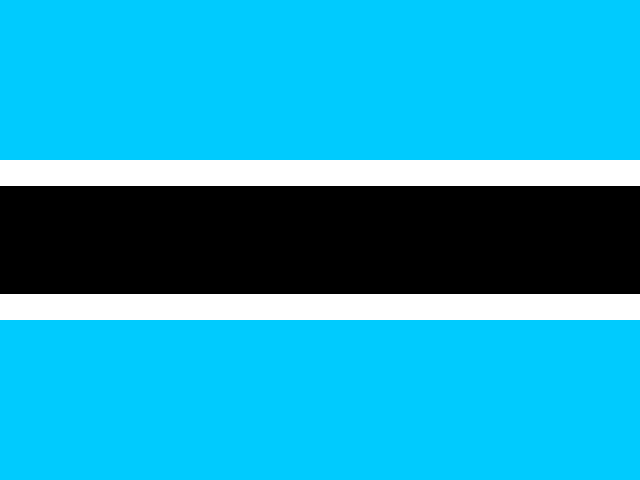
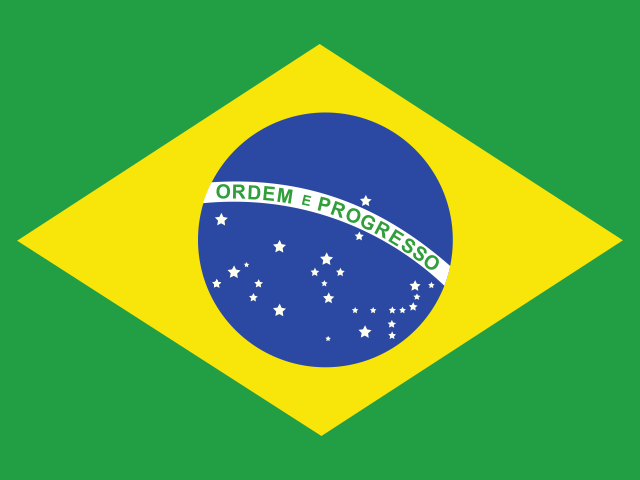
BR Brazil
Brasília
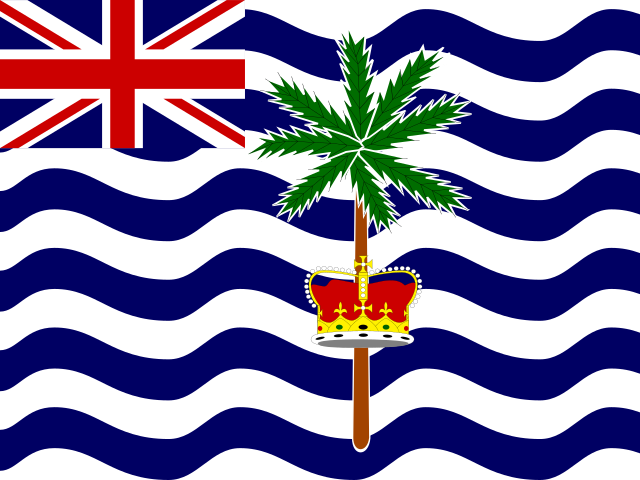
IO British Indian Ocean Territory
Diego Garcia
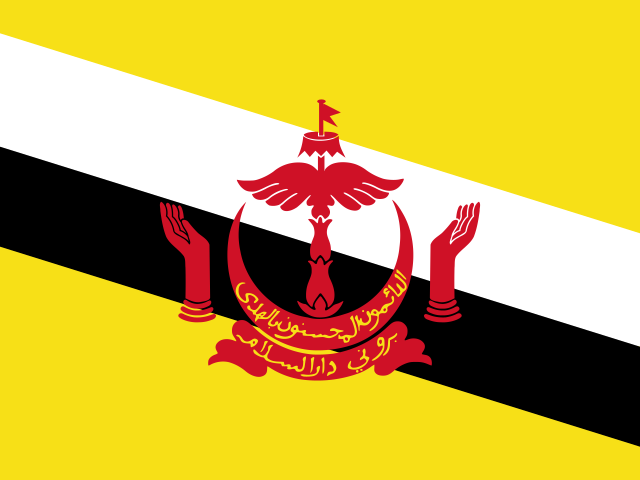
BN Brunei Darussalam
Bandar Seri Begawan
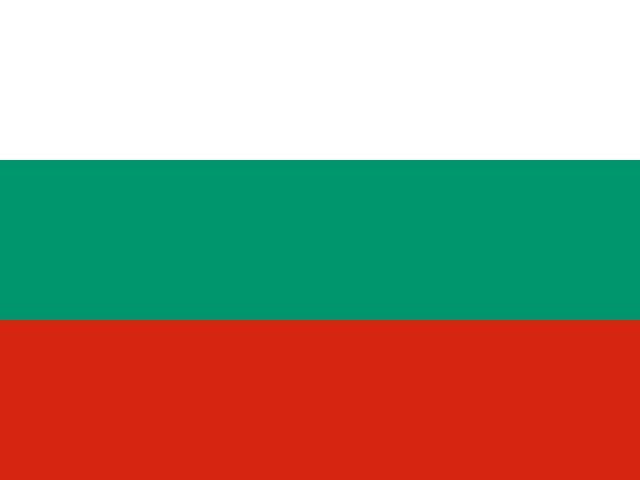
BG Bulgaria
Sofia
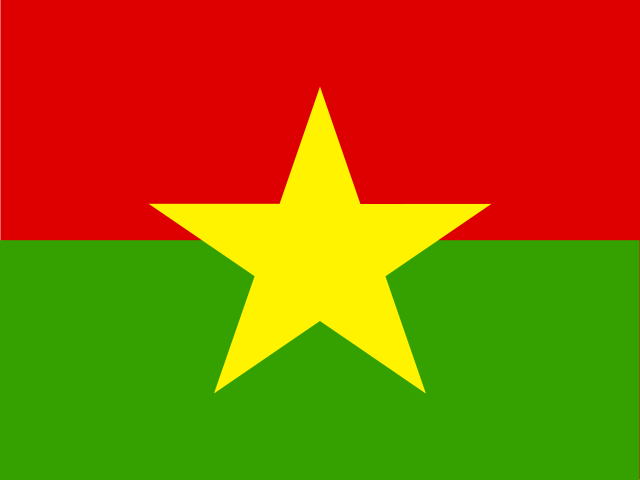
BF Burkina Faso
Ouagadougou
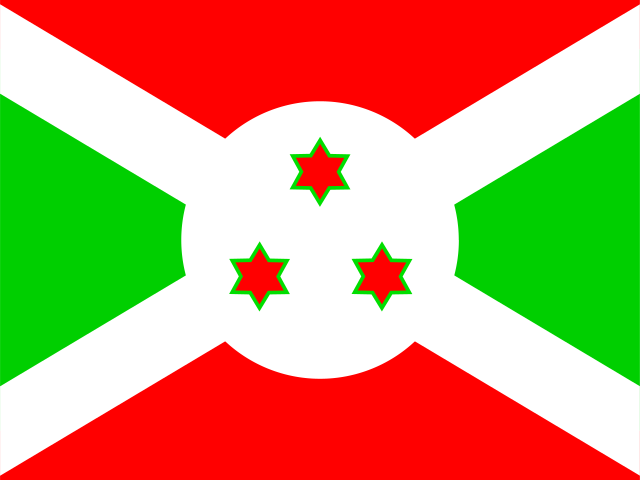
BI Burundi
Bujumbura
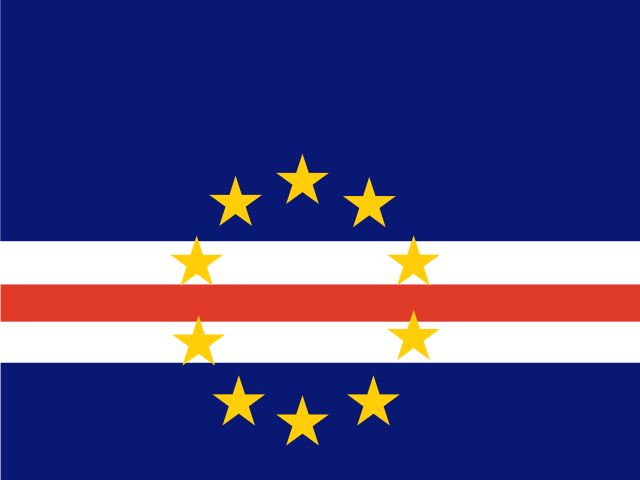
CV Cabo Verde
Praia
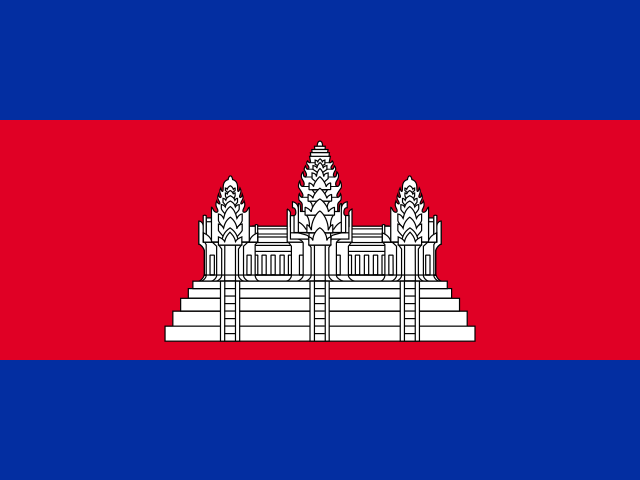
KH Cambodia
Phnom Penh
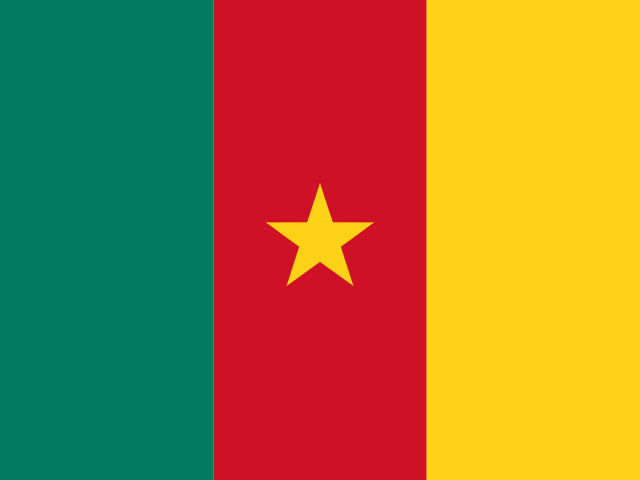
CM Cameroon
Yaoundé
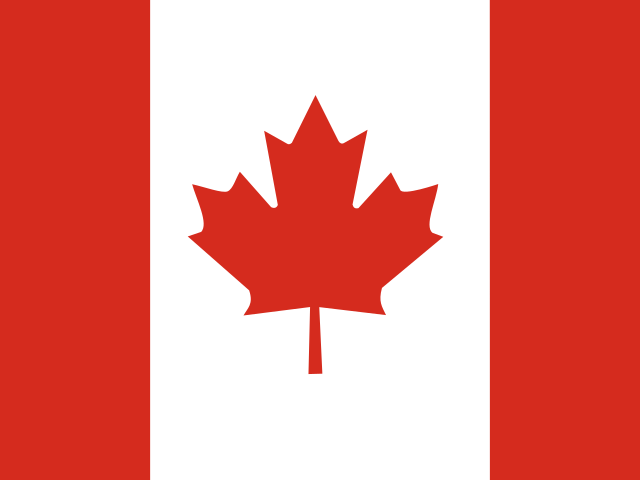
CA Canada
Ottawa
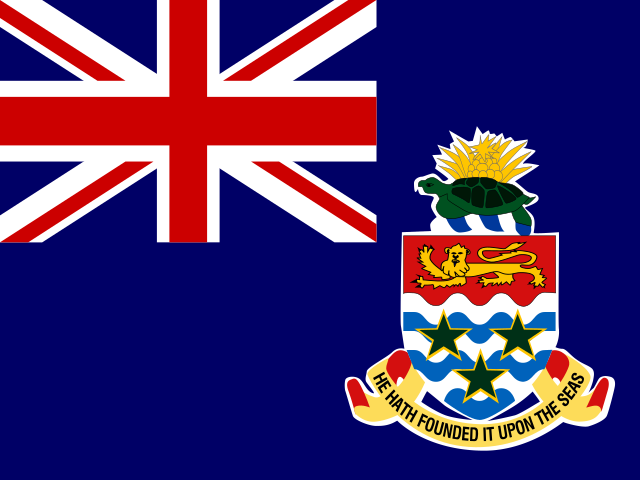
KY Cayman Islands
George Town
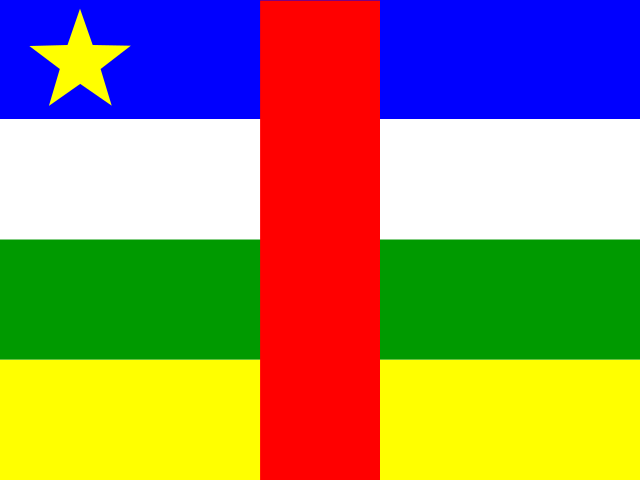
CF Central African Republic
Bangui
TD Chad
N'Djamena
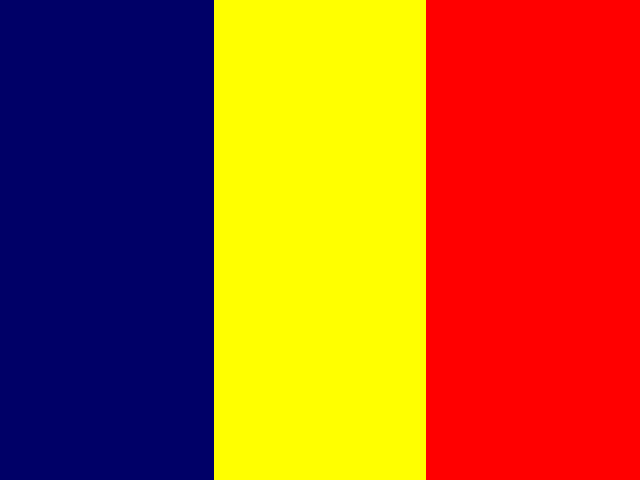
CL Chile
Santiago

CN China
Beijing
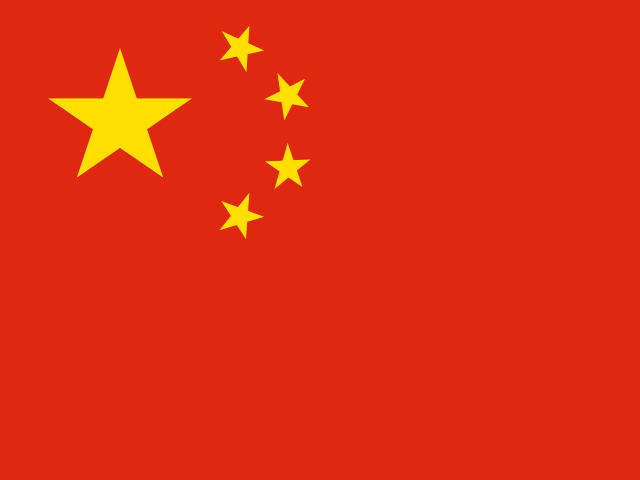
CX Christmas Island
Flying Fish Cove
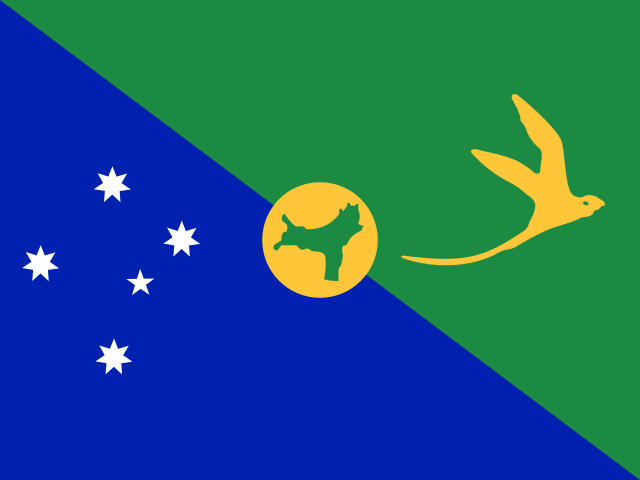
CC Cocos (Keeling) Islands
West Island
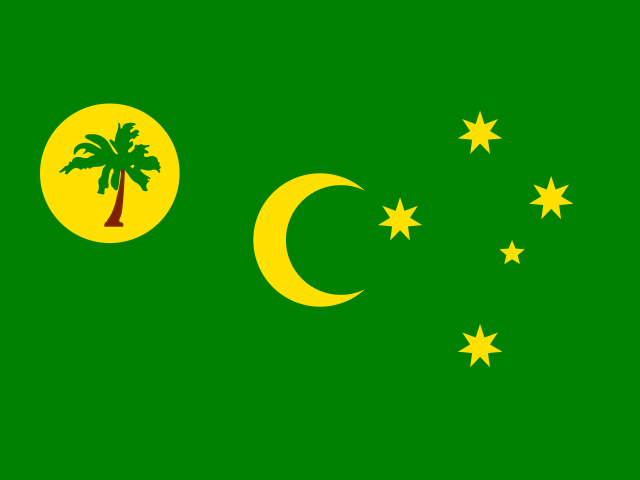
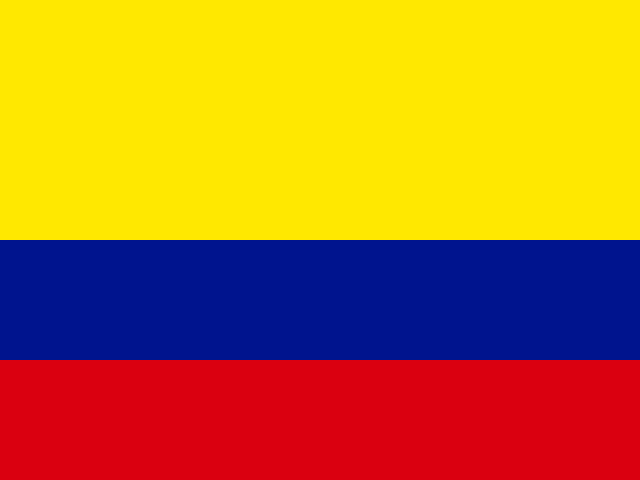
CO Colombia
Bogotá
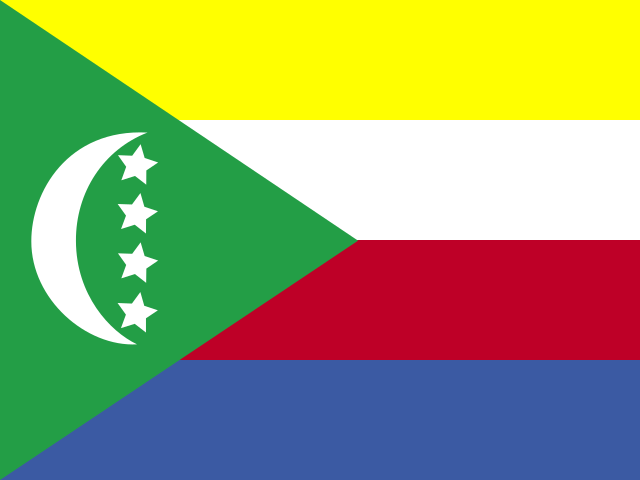
KM Comoros
Moroni
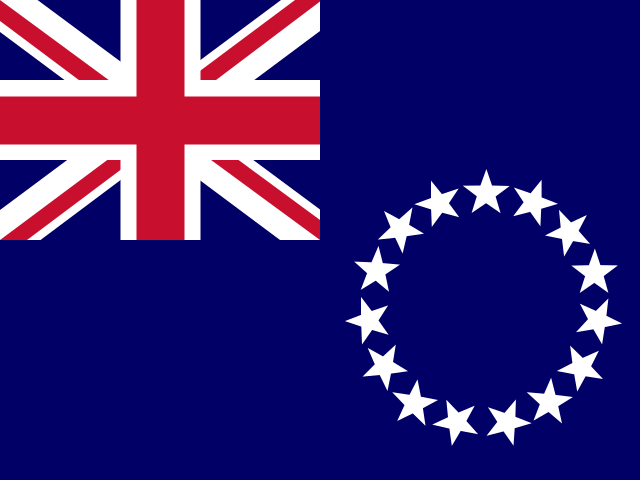
CK Cook Islands
Avarua
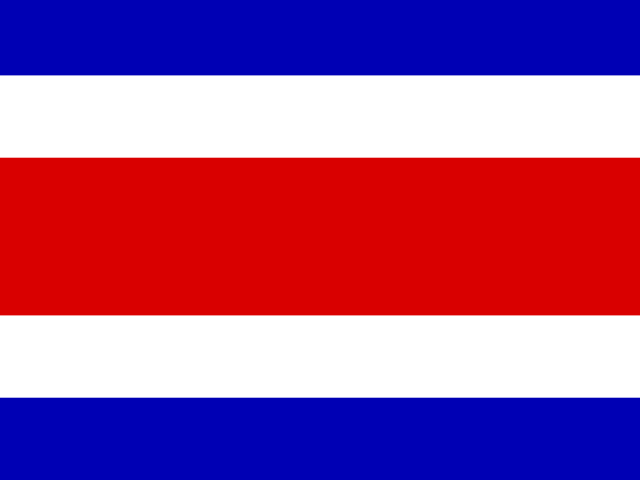
CR Costa Rica
San José
HR Croatia
Zagreb
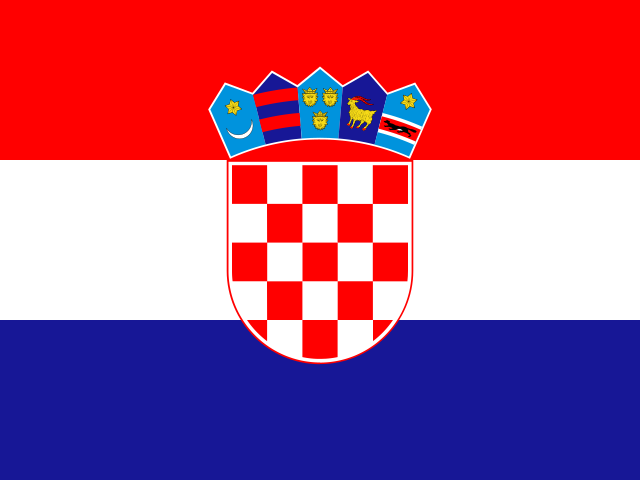
CU Cuba
Havana
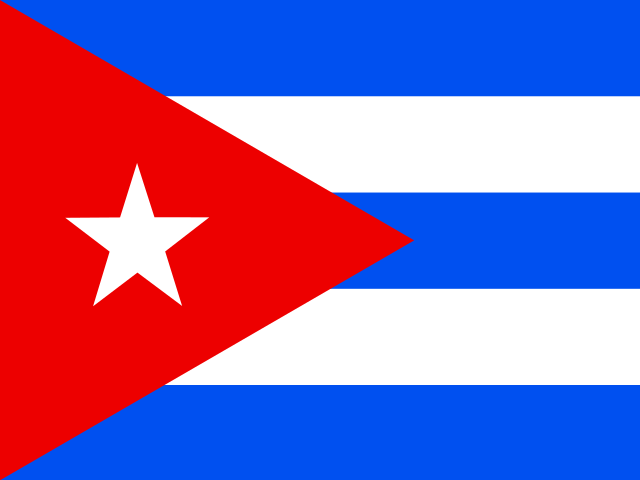
CW Curaçao
Willemstad
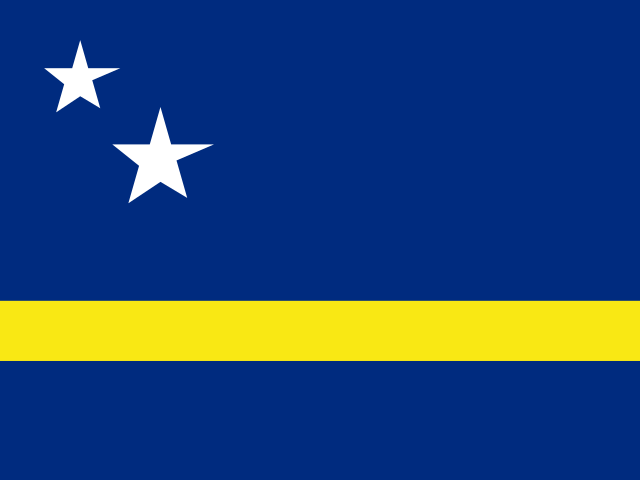
CY Cyprus
Nicosia
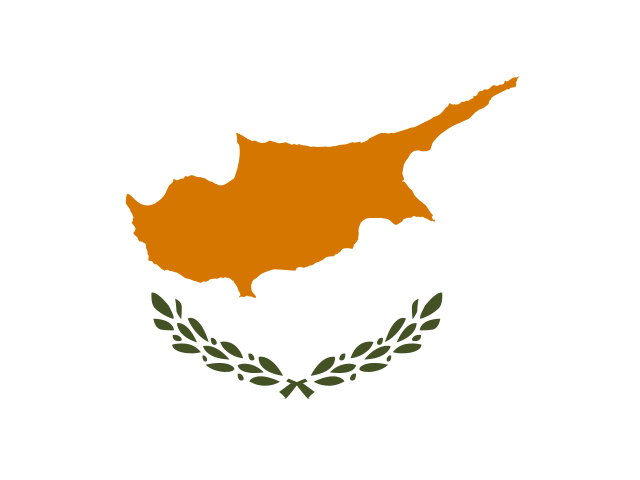
CZ Czech Republic
Prague
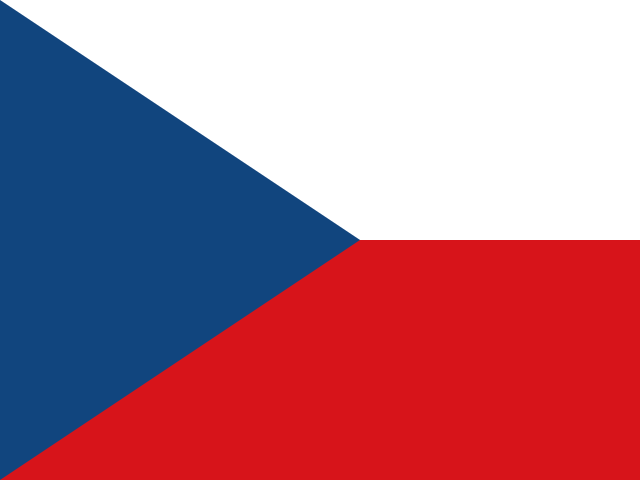
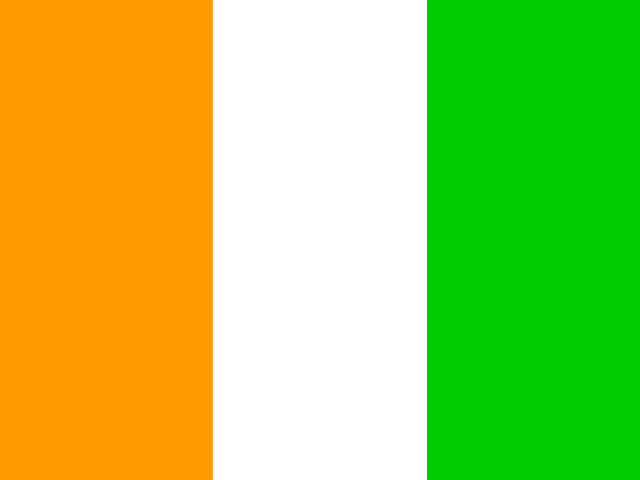
CI Côte d'Ivoire
Yamoussoukro
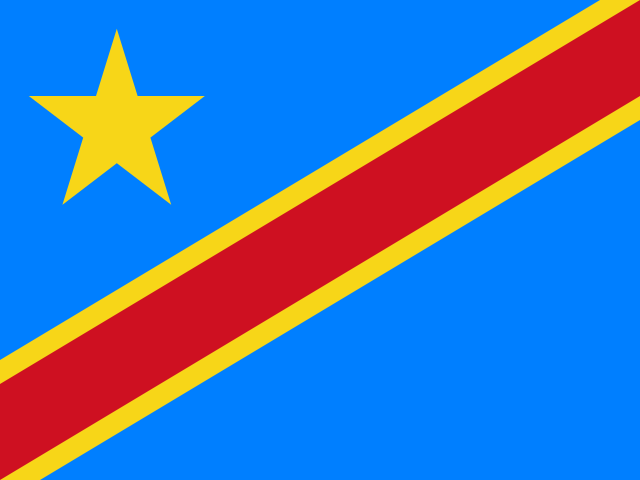
CD Democratic Republic of the Congo
Kinshasa
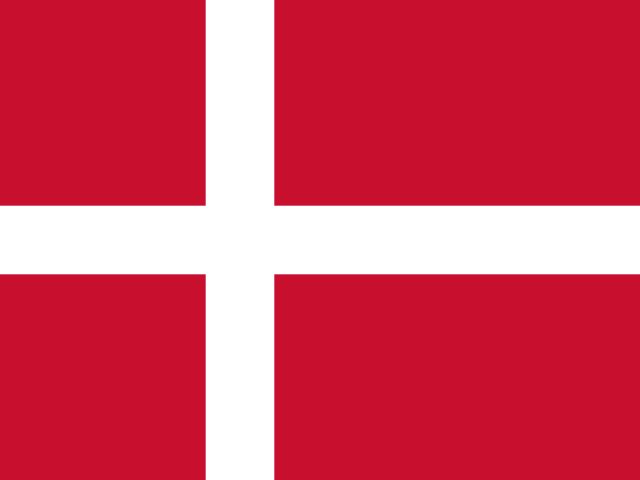
DK Denmark
Copenhagen
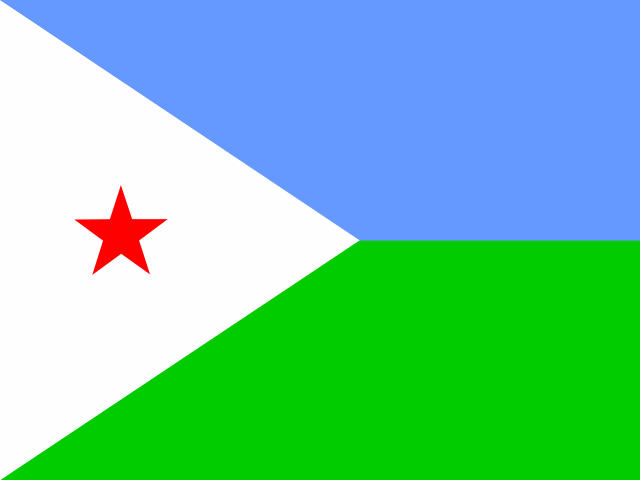
DJ Djibouti
Djibouti
D - G
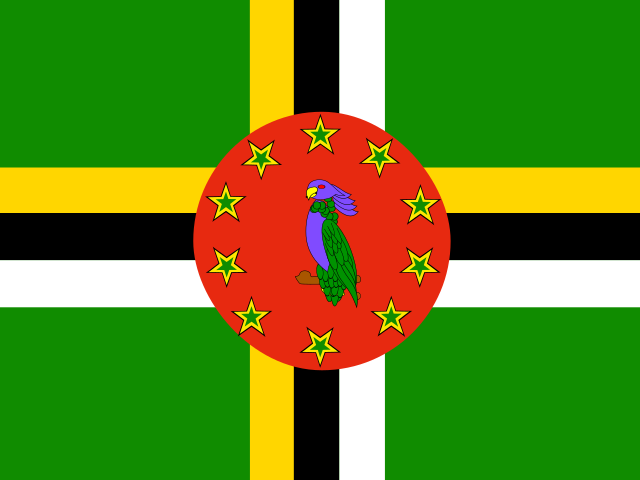
DM Dominica
Roseau
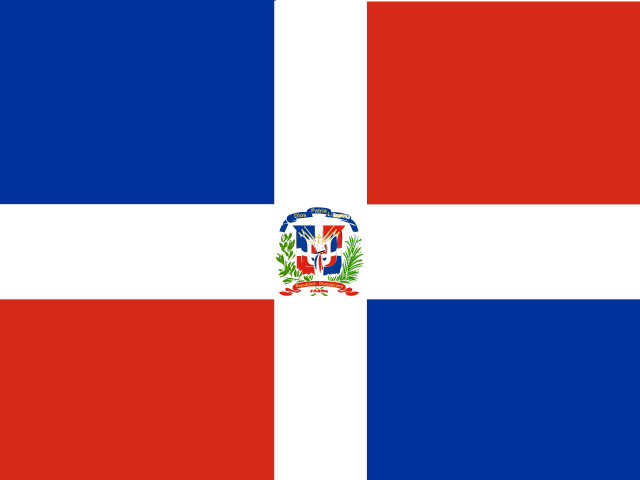
DO Dominican Republic
Santo Domingo
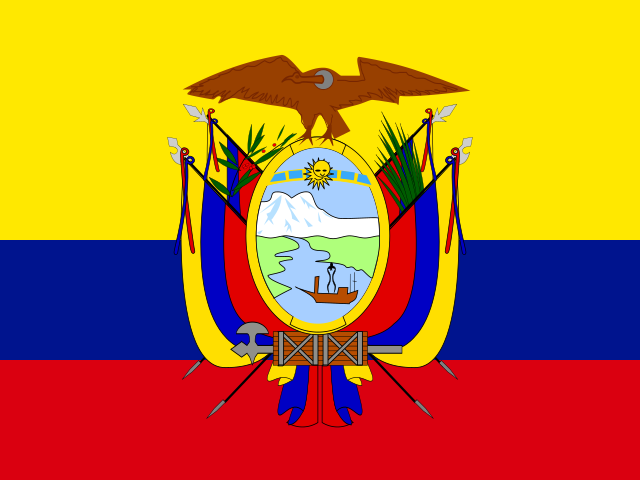
EC Ecuador
Quito
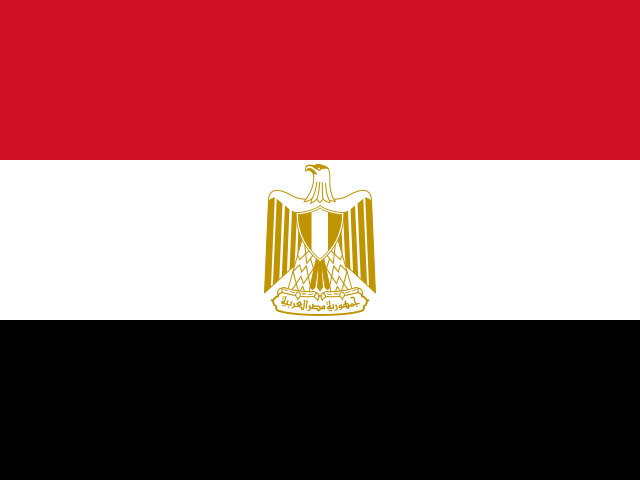
EG Egypt
Cairo
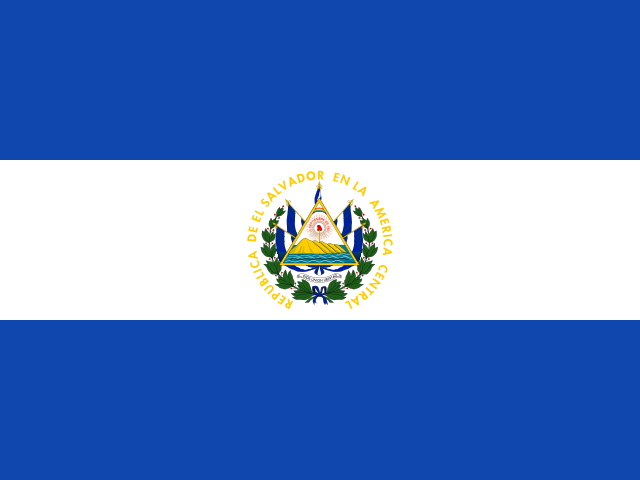
SV El Salvador
San Salvador
GB-ENG England
London

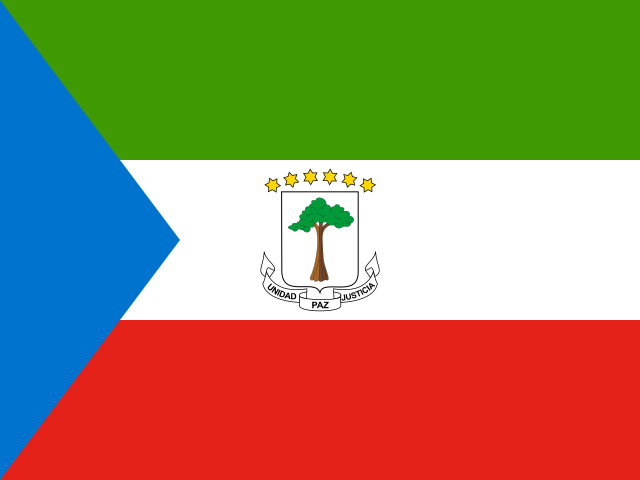
GQ Equatorial Guinea
Malabo
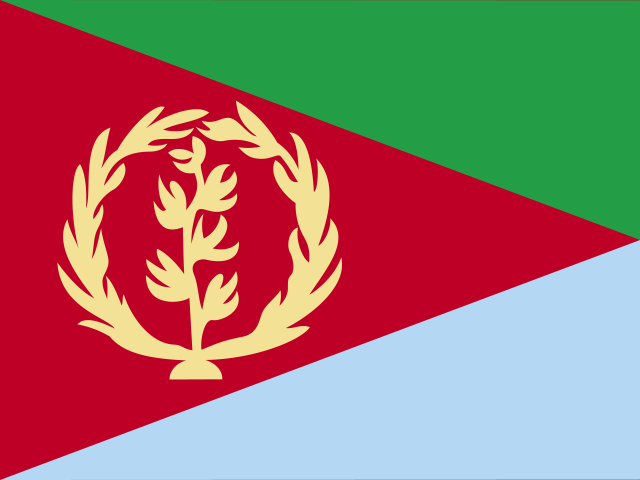
ER Eritrea
Asmara
EE Estonia
Tallinn

ET Ethiopia
Addis Ababa

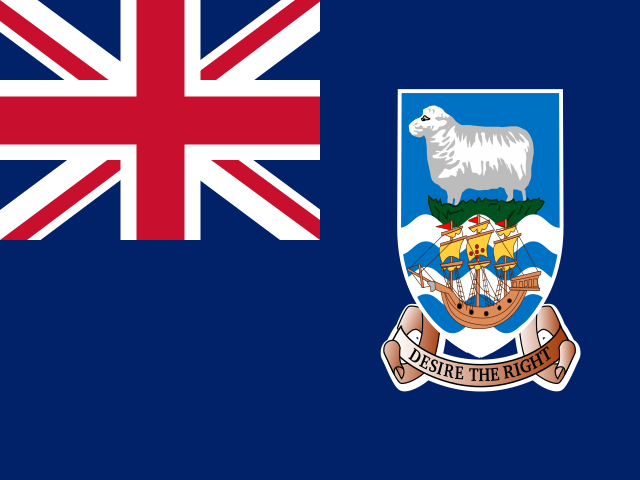
FK Falkland Islands
Stanley
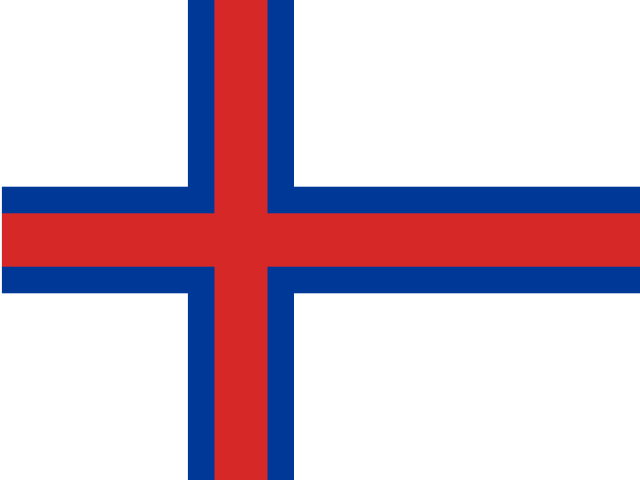
FO Faroe Islands
Tórshavn
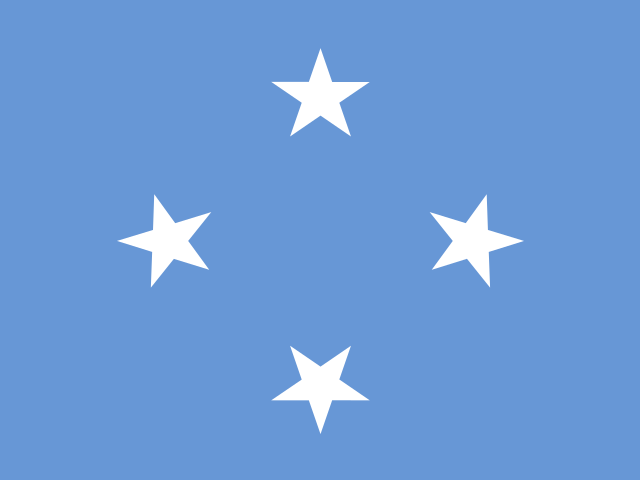
FM Federated States of Micronesia
Palikir
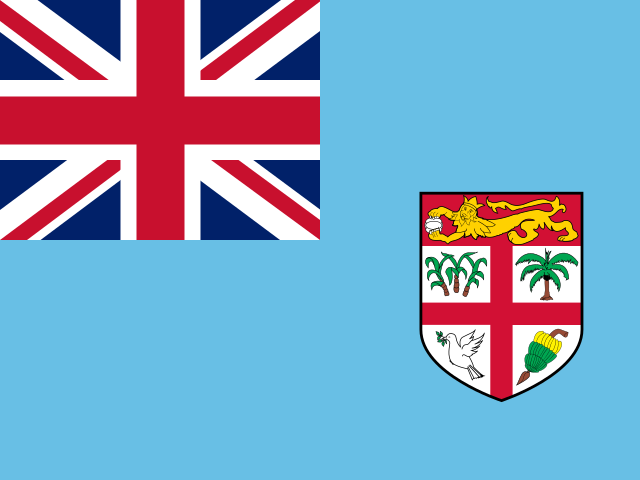
FJ Fiji
Suva
FI Finland
Helsinki
FR France
Paris
GF French Guiana
Cayenne
PF French Polynesia
Papeete
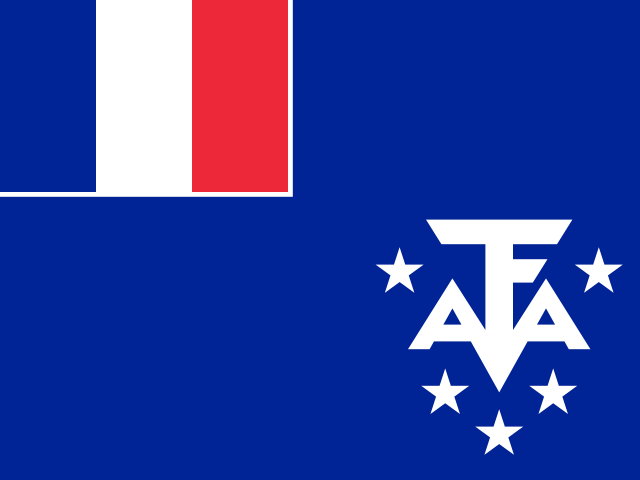
TF French Southern Territories
Saint-Pierre, Réunion
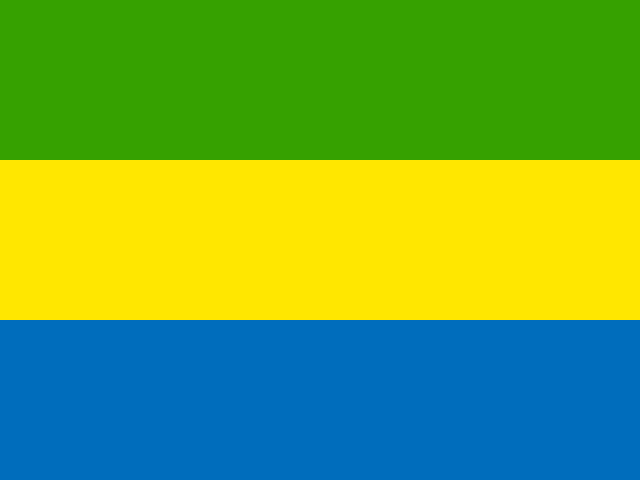
GA Gabon
Libreville
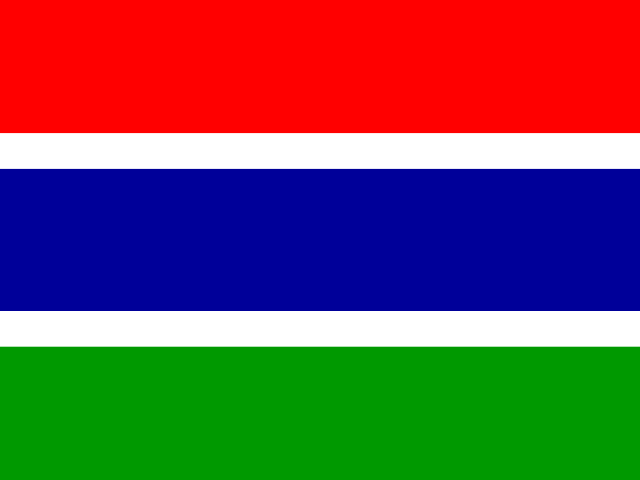
GM Gambia
Banjul
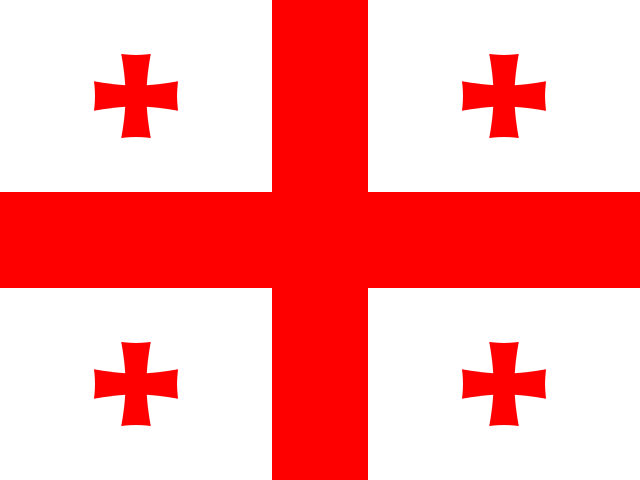
GE Georgia
Tbilisi
DE Germany
Berlin
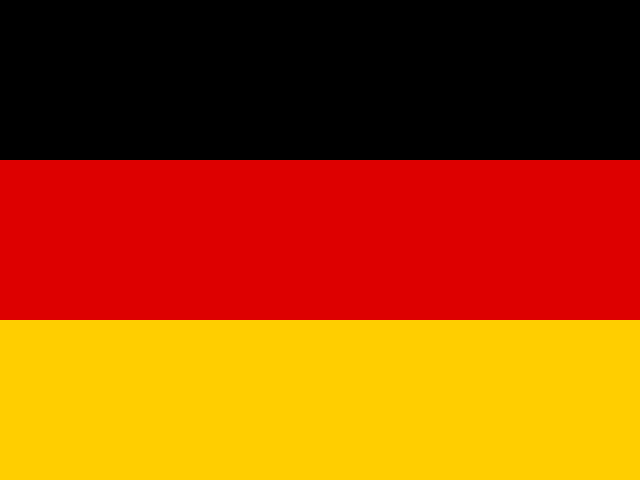
GH Ghana
Accra
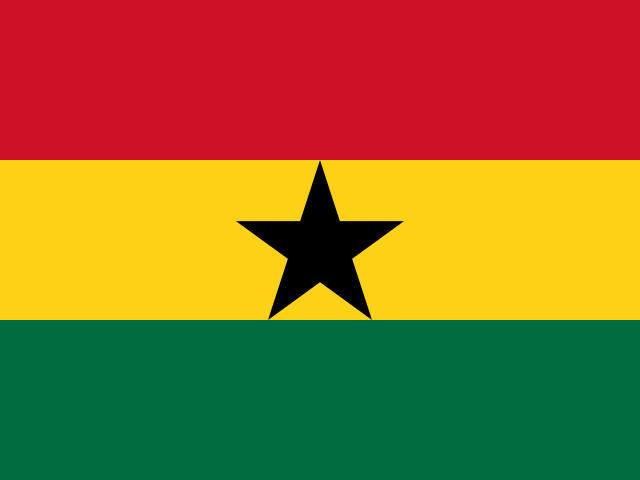
GI Gibraltar
Gibraltar
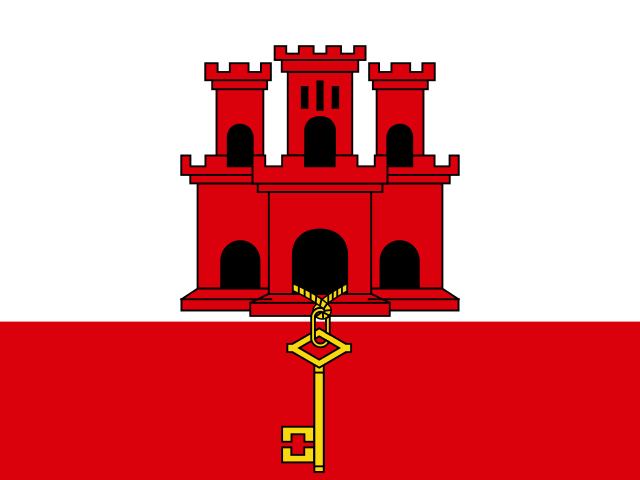
GR Greece
Athens
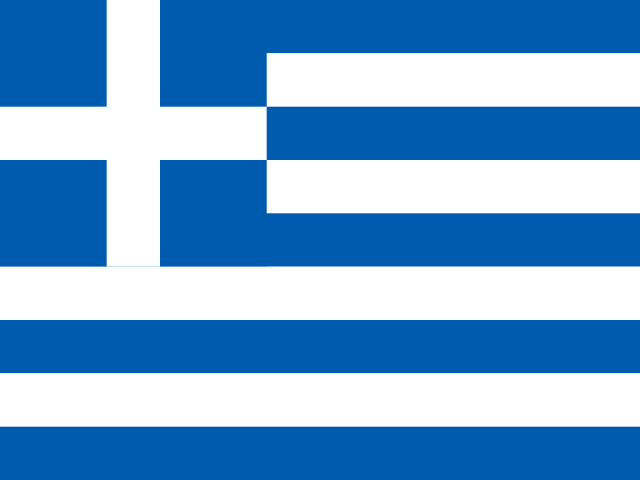
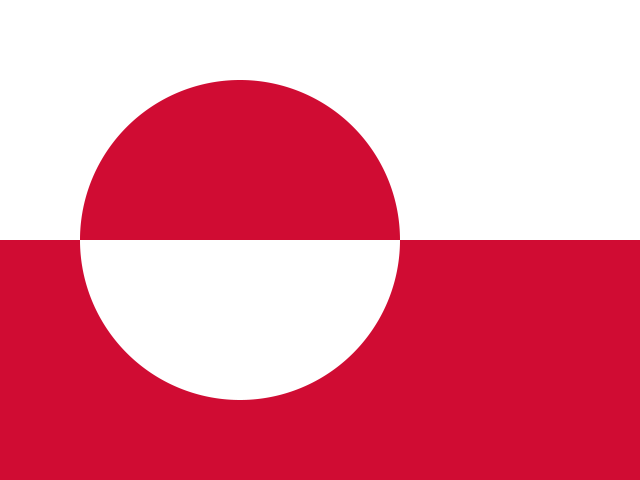
GL Greenland
Nuuk
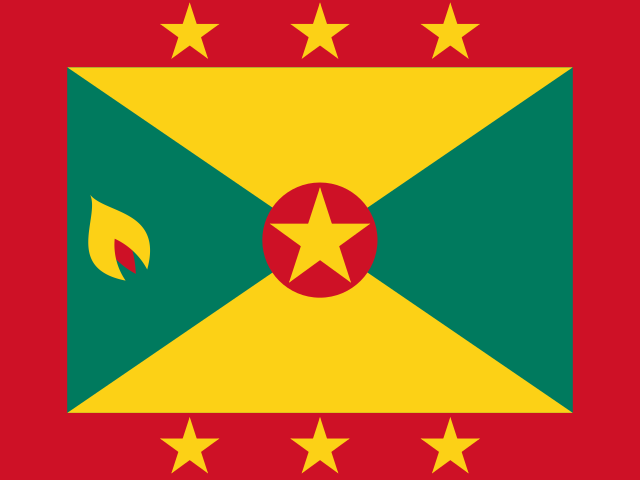
GD Grenada
St. George's
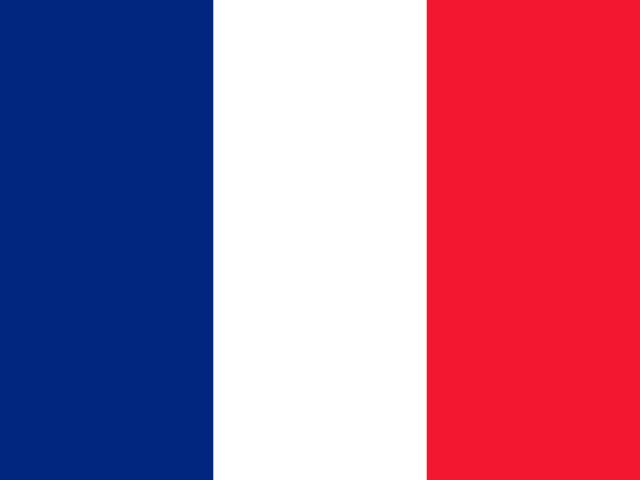
GP Guadeloupe
Basse-Terre
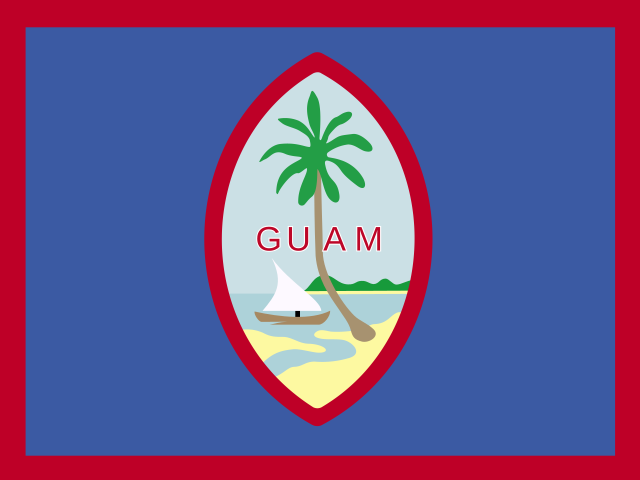
GU Guam
Hagåtña
GT Guatemala
Guatemala City
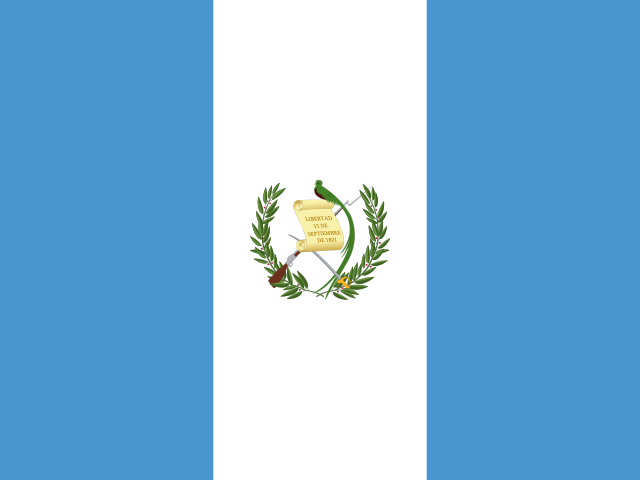
GG Guernsey
Saint Peter Port
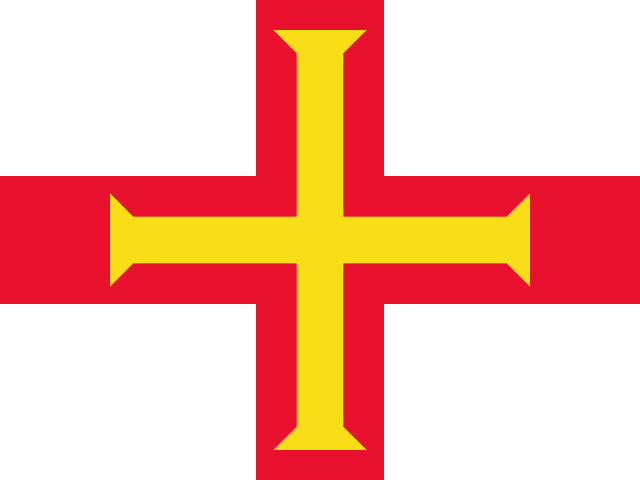
GN Guinea
Conakry
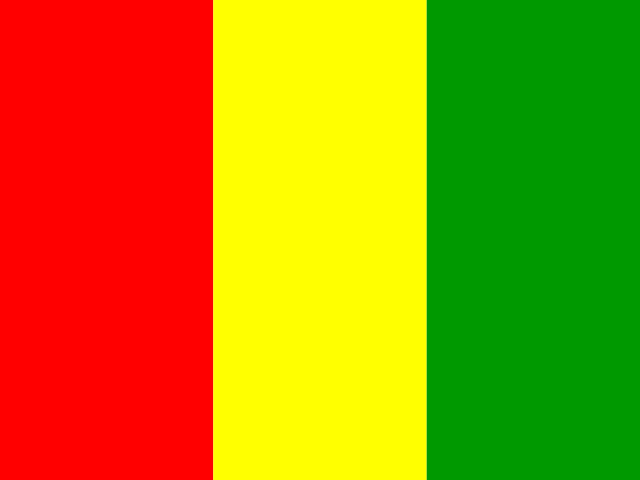
GW Guinea-Bissau
Bissau
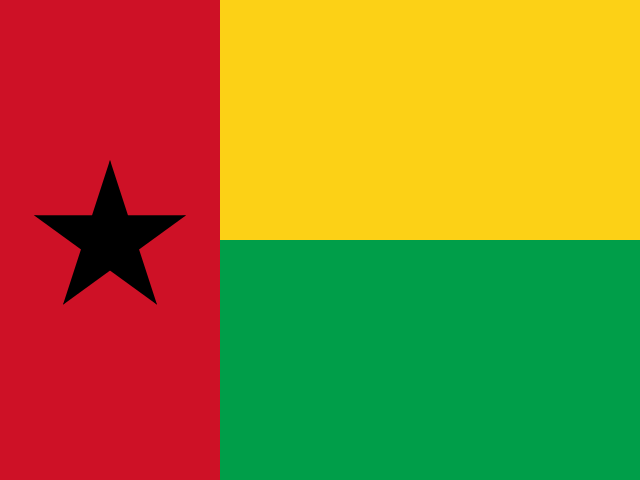
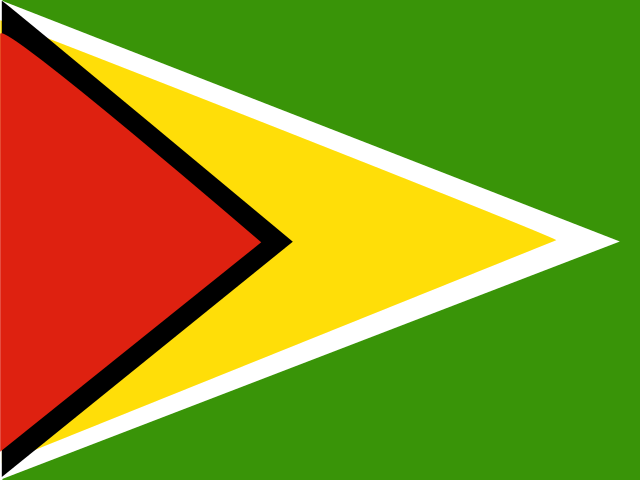
GY Guyana
Georgetown
H - M
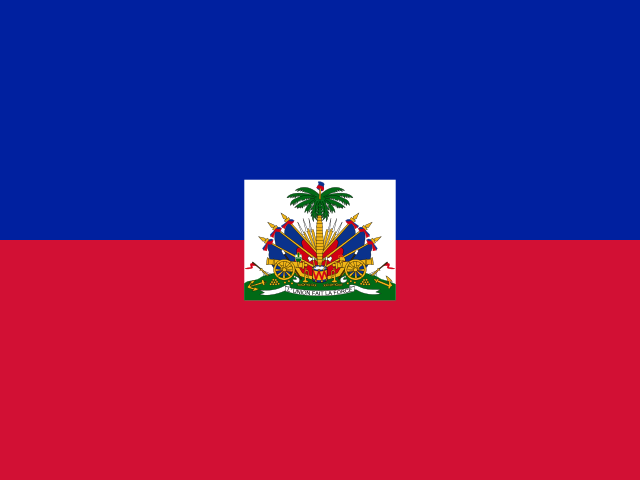
HT Haiti
Port-au-Prince
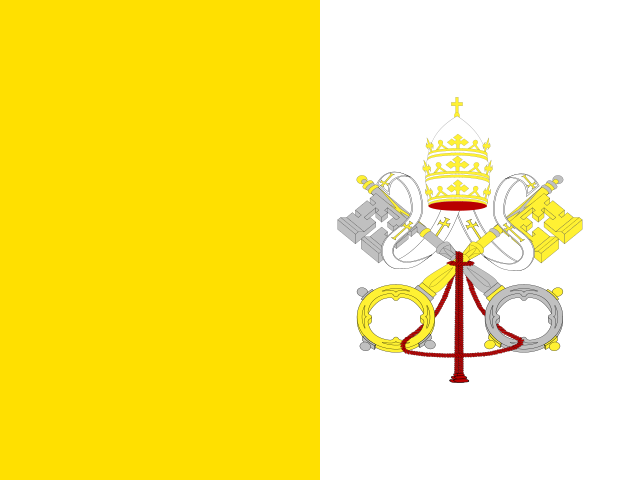
VA Holy See
Vatican City
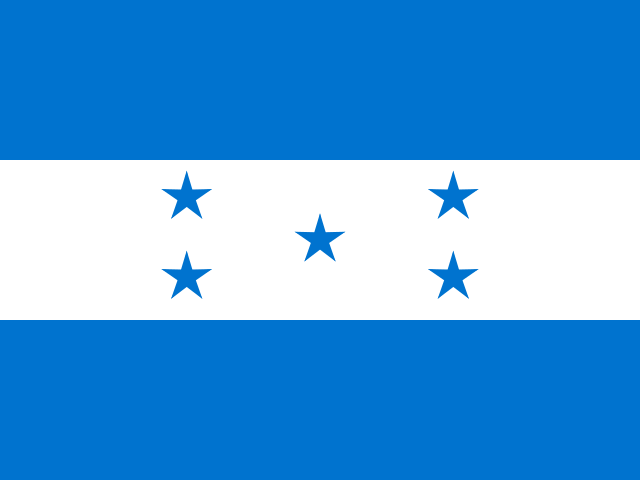
HN Honduras
Tegucigalpa
HK Hong Kong
Hong Kong
HU Hungary
Budapest

IS Iceland
Reykjavik
IN India
New Delhi
ID Indonesia
Jakarta
IR Iran (Islamic Republic of)
Tehran
IQ Iraq
Baghdad
IE Ireland
Dublin
IM Isle of Man
Douglas
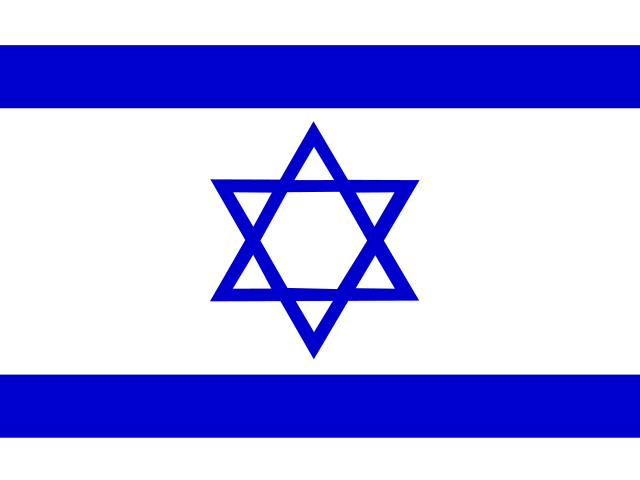
IL Israel
Jerusalem
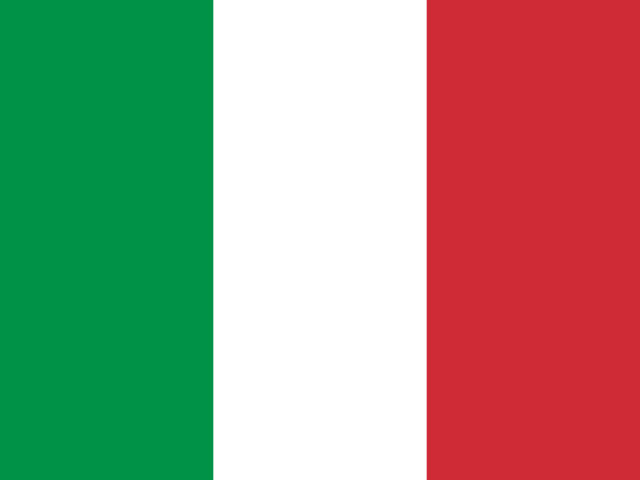
IT Italy
Rome
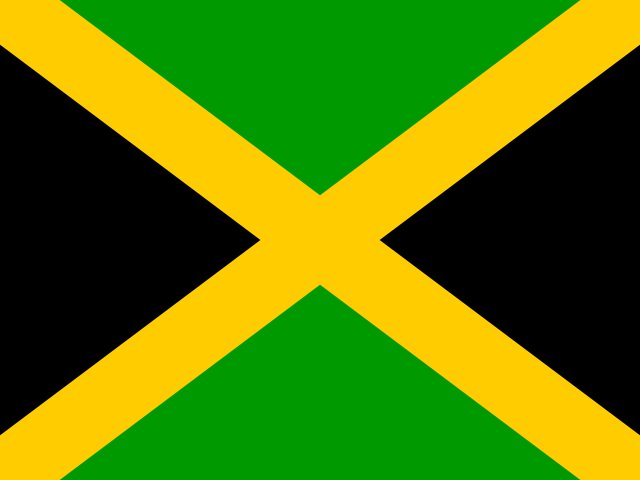
JM Jamaica
Kingston
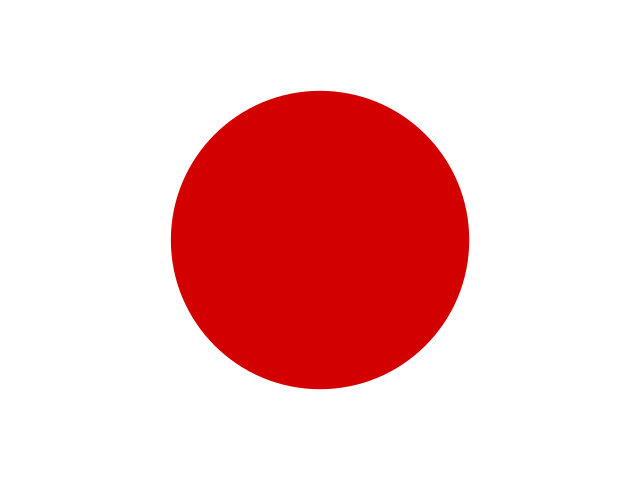
JP Japan
Tokyo
JE Jersey
Saint Helier

JO Jordan
Amman
KZ Kazakhstan
Astana
KE Kenya
Nairobi
KI Kiribati
South Tarawa
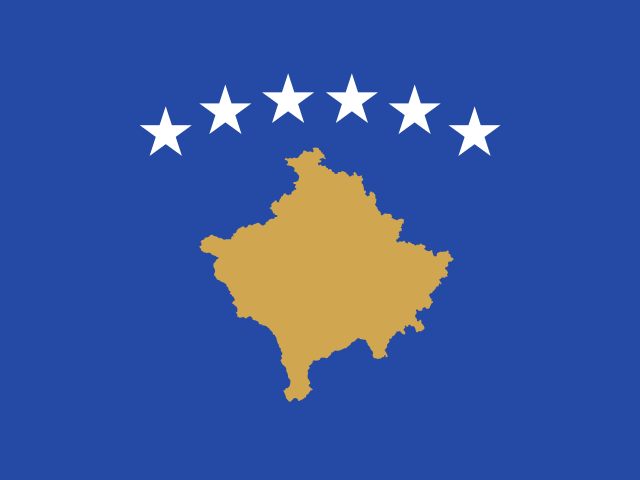
XK Kosovo
Pristina
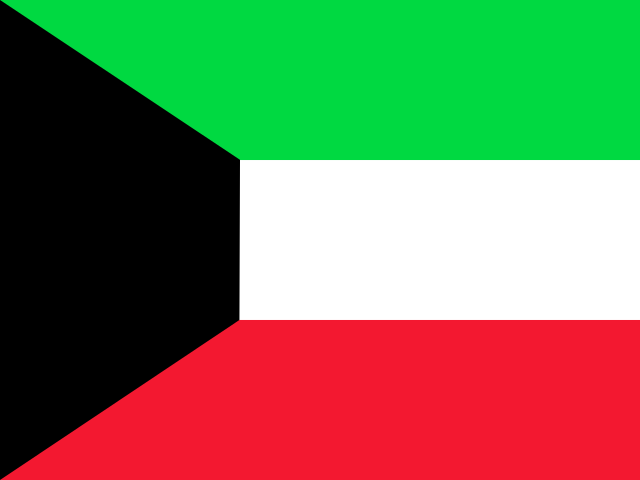
KW Kuwait
Kuwait City
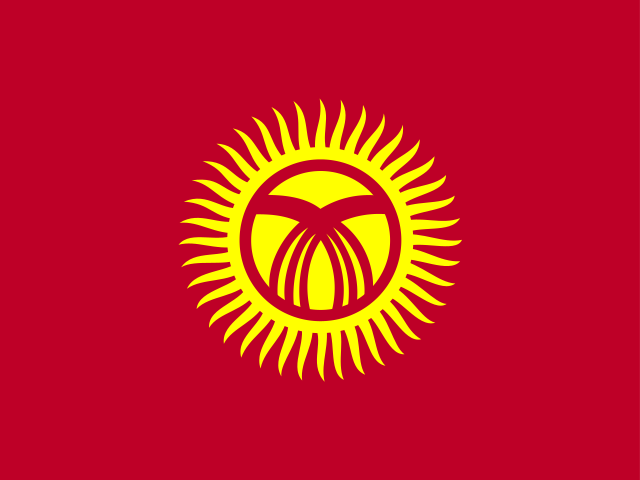
KG Kyrgyzstan
Bishkek
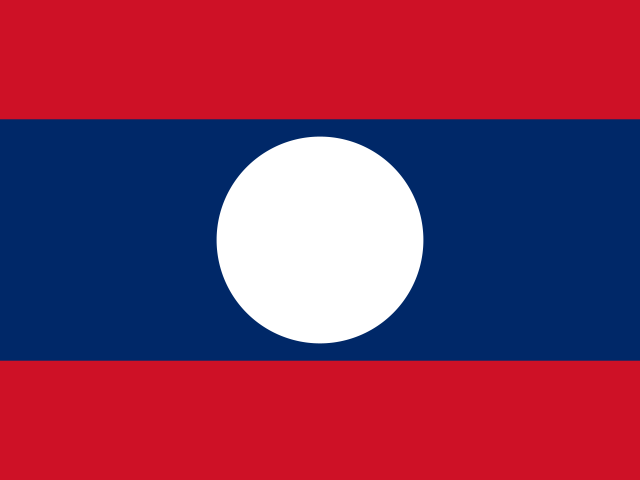
LA Laos
Vientiane
LV Latvia
Riga

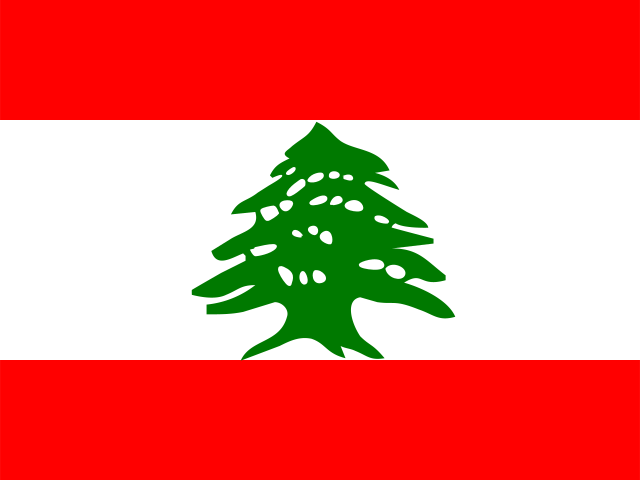
LB Lebanon
Beirut
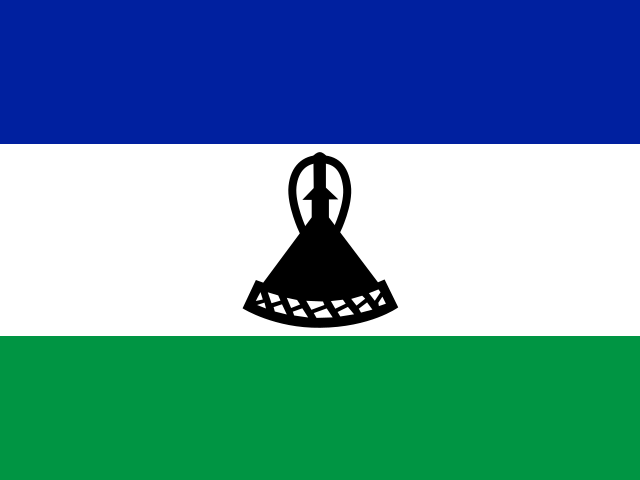
LS Lesotho
Maseru
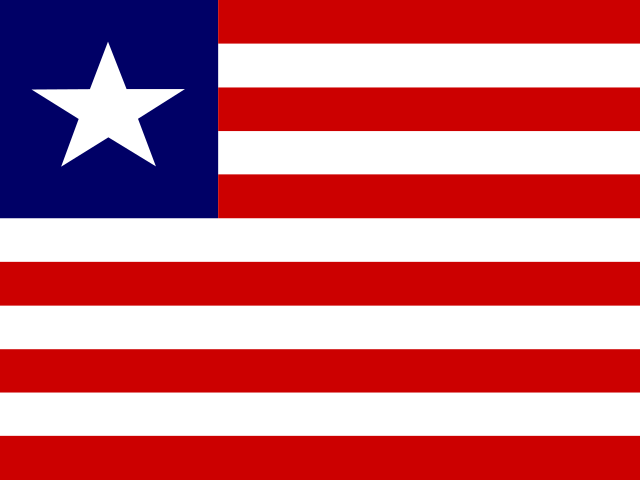
LR Liberia
Monrovia
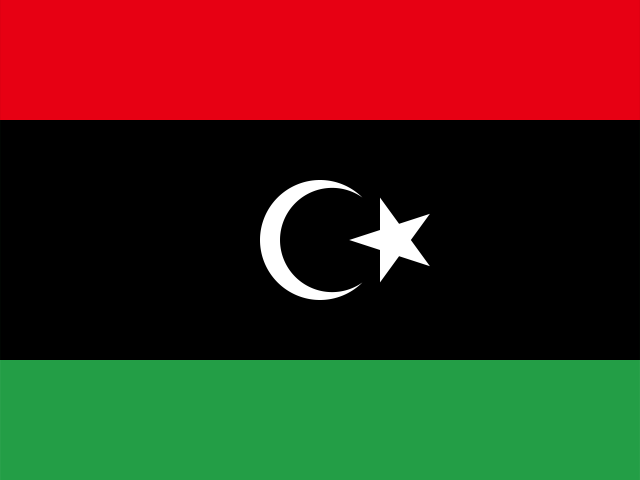
LY Libya
Tripoli
LI Liechtenstein
Vaduz
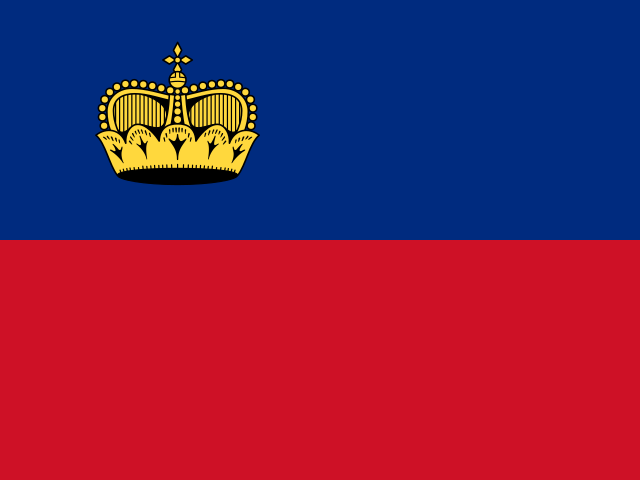
LT Lithuania
Vilnius
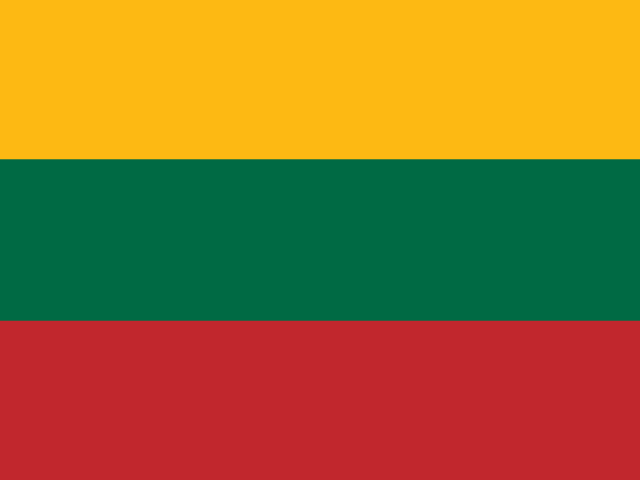
LU Luxembourg
Luxembourg City
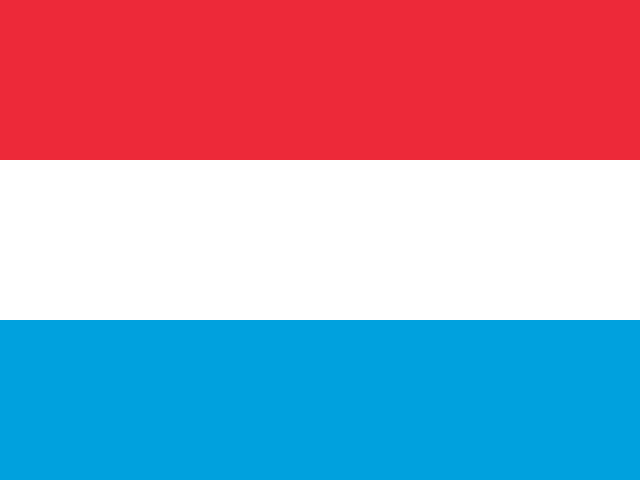
MO Macau
Macau
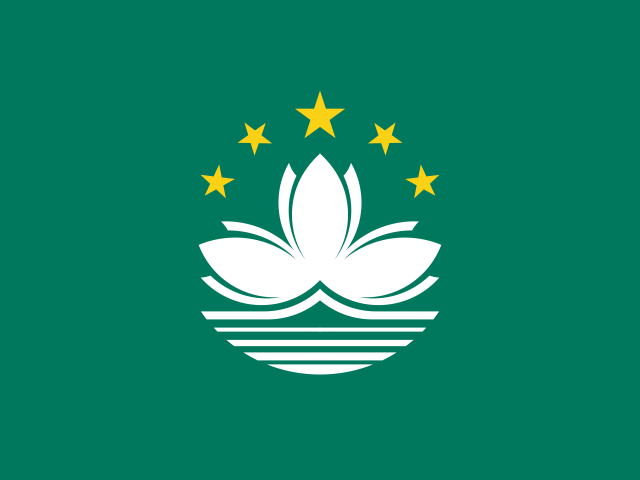
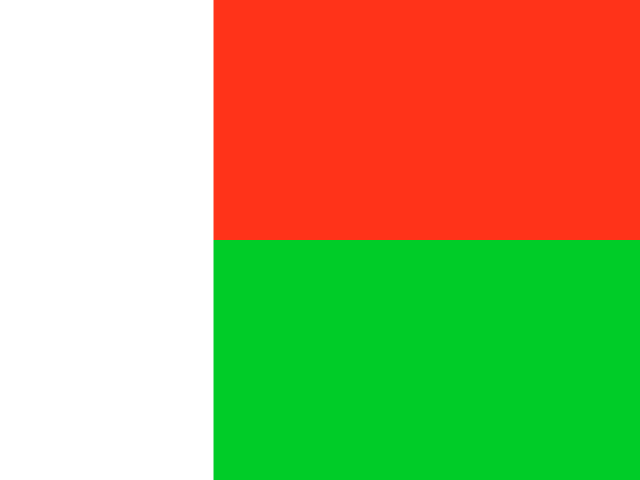
MG Madagascar
Antananarivo
MW Malawi
Lilongwe

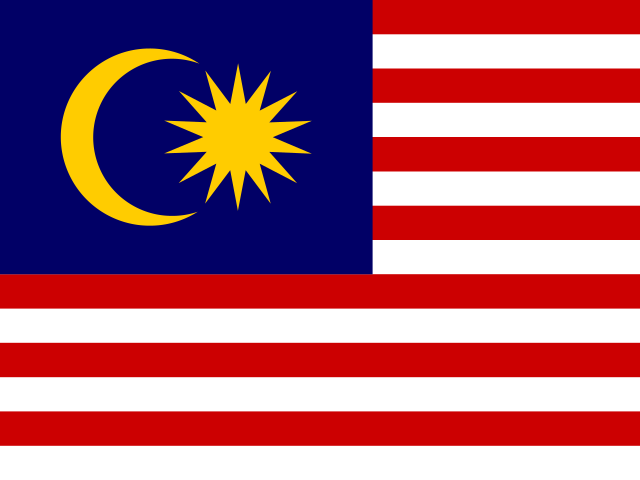
MY Malaysia
Kuala Lumpur
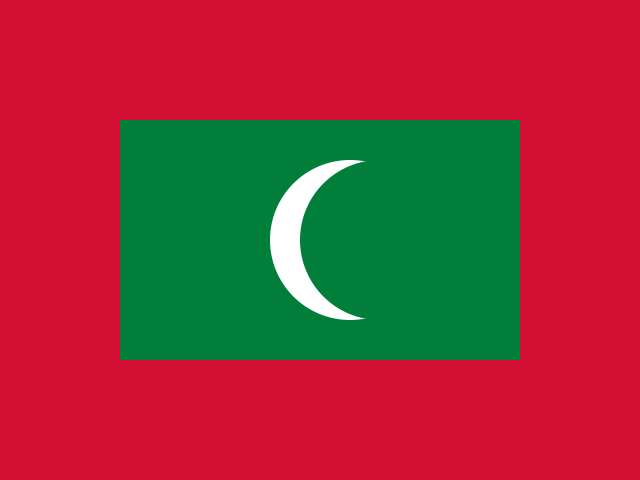
MV Maldives
Malé
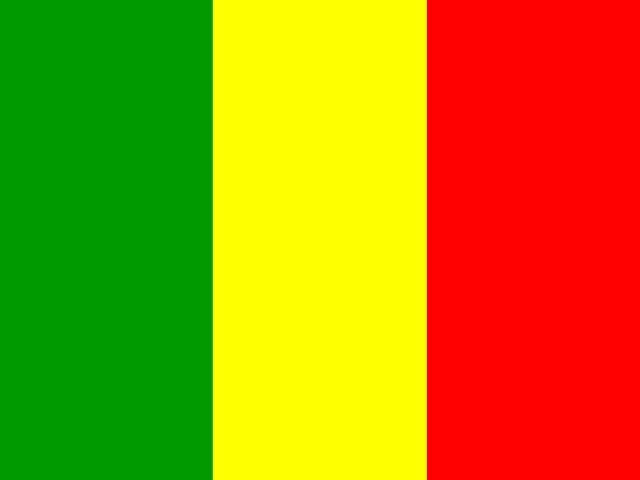
ML Mali
Bamako
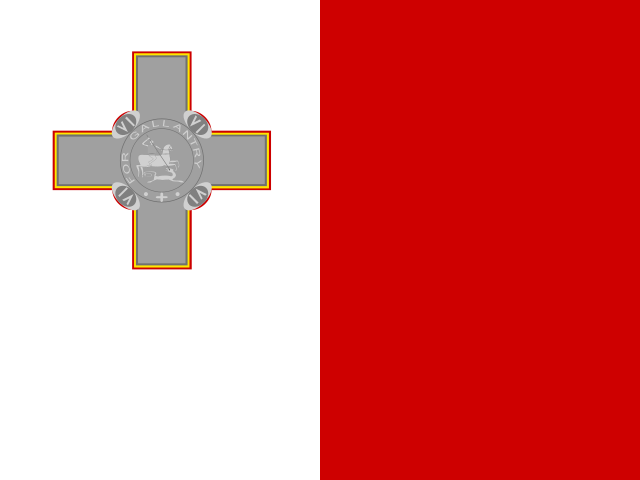
MT Malta
Valletta
MH Marshall Islands
Majuro

MQ Martinique
Fort-de-France
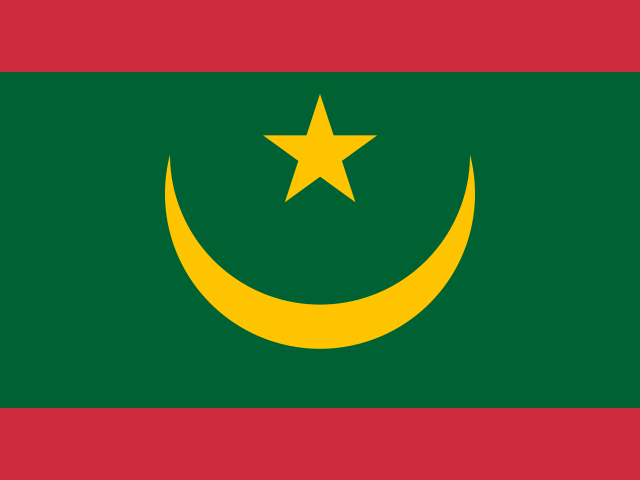
MR Mauritania
Nouakchott
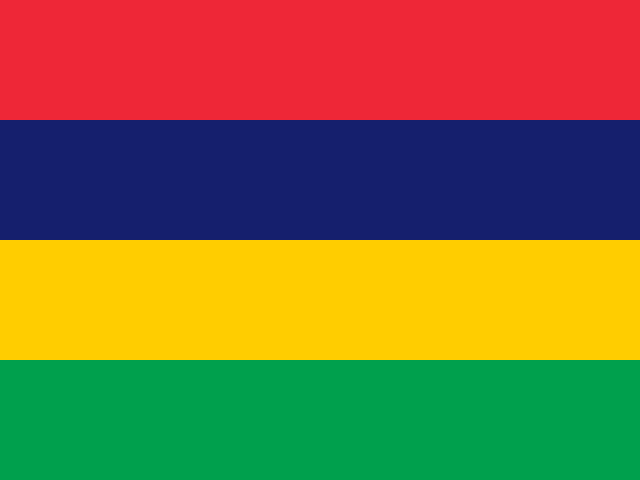
MU Mauritius
Port Louis
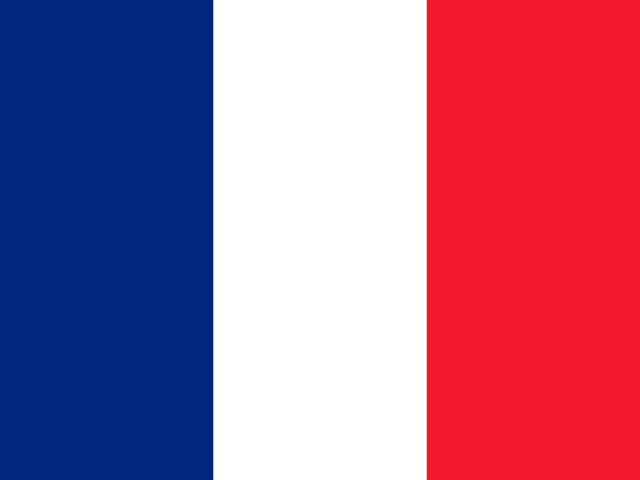
YT Mayotte
Mamoudzou
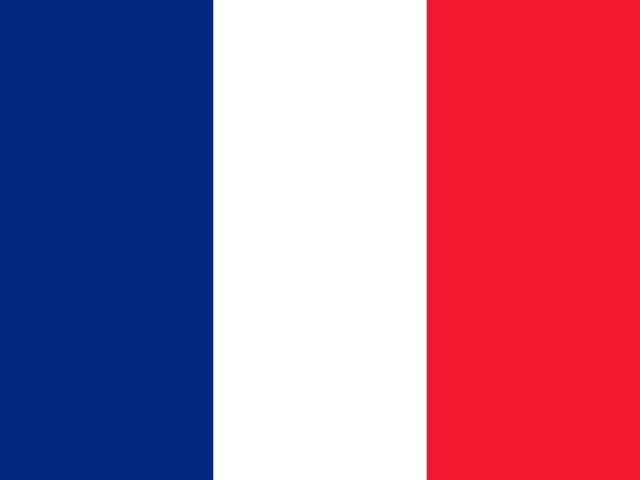
MX Mexico
Mexico City
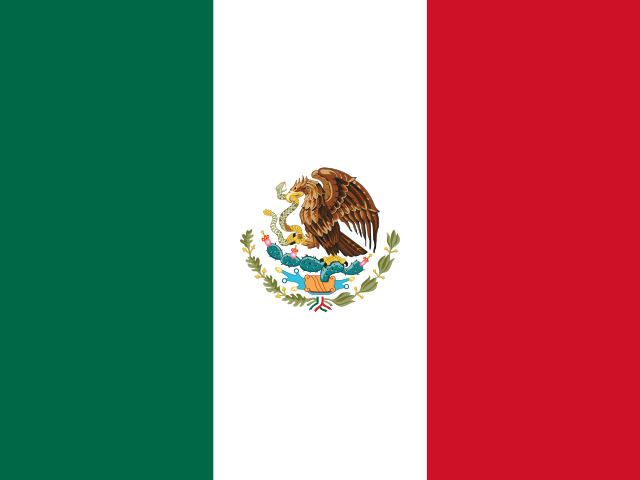
MD Moldova
Chișinău
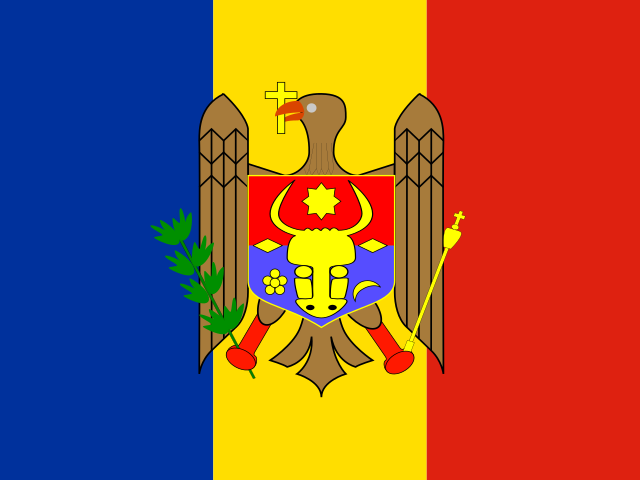
MC Monaco
Monaco

MN Mongolia
Ulaanbaatar
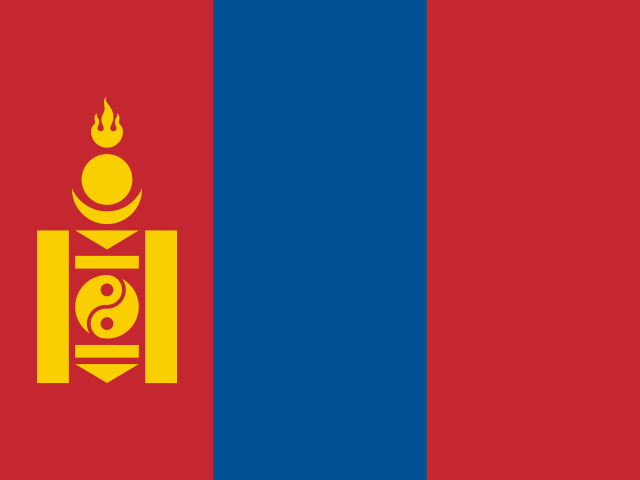
ME Montenegro
Podgorica
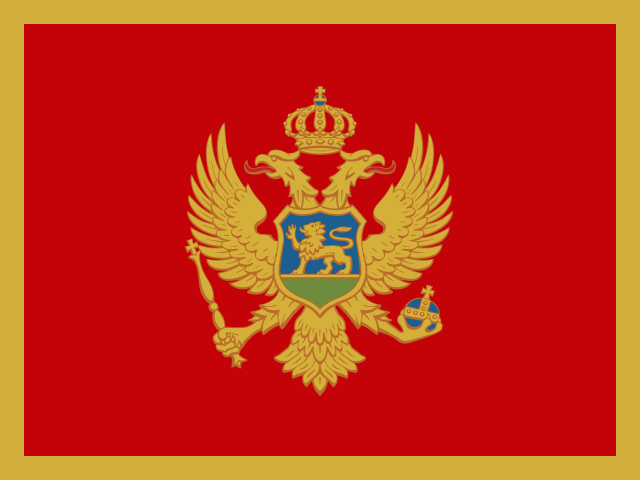
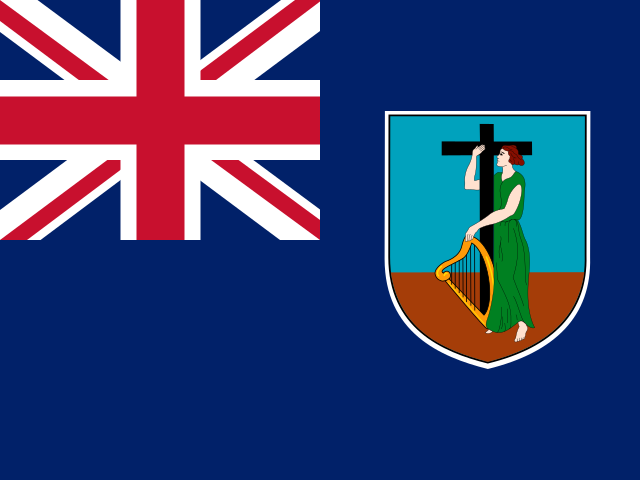
MS Montserrat
Little Bay, Brades, Plymouth
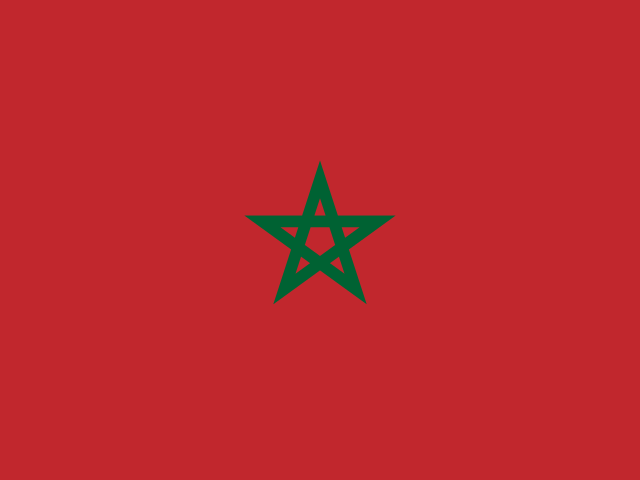
MA Morocco
Rabat
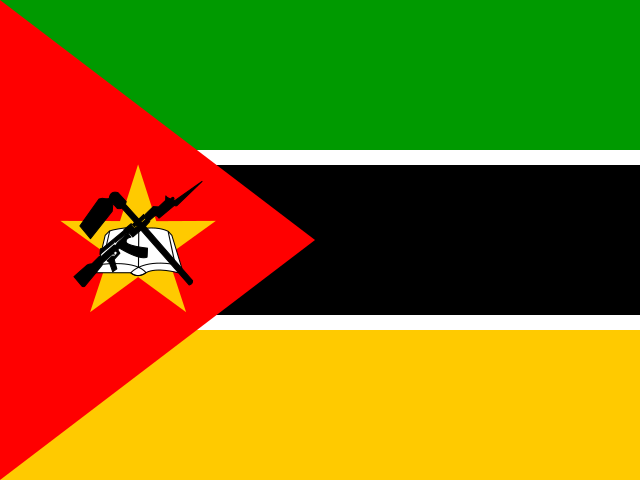
MZ Mozambique
Maputo
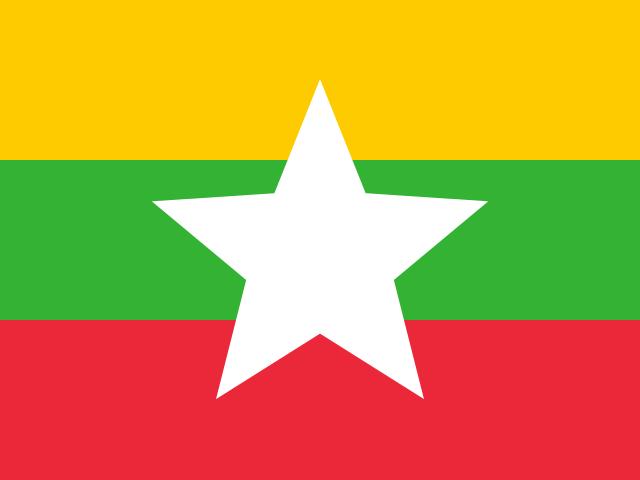
MM Myanmar
Naypyidaw
N - S
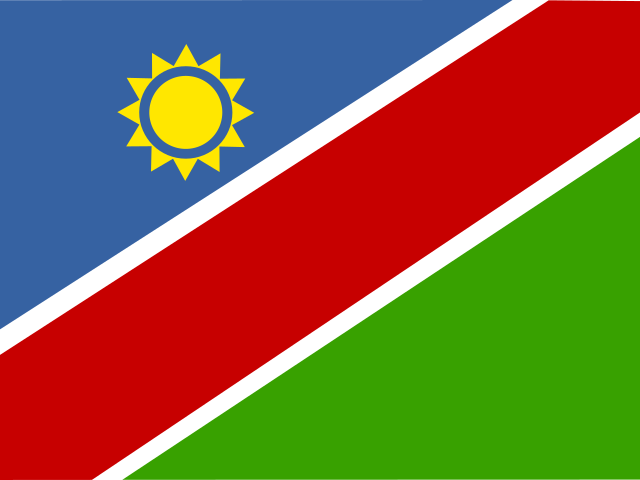
NA Namibia
Windhoek
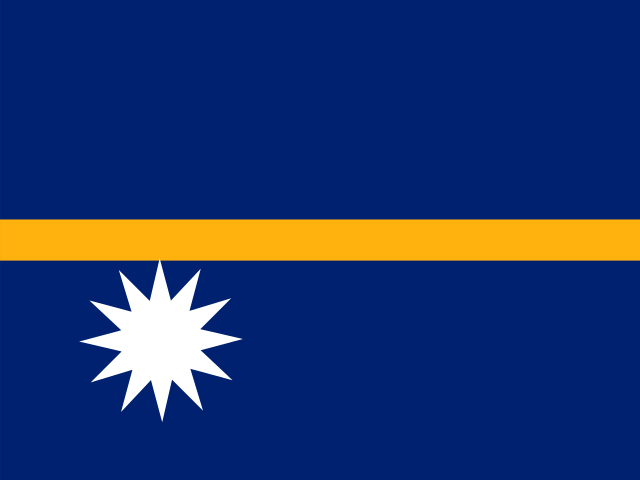
NR Nauru
Yaren District
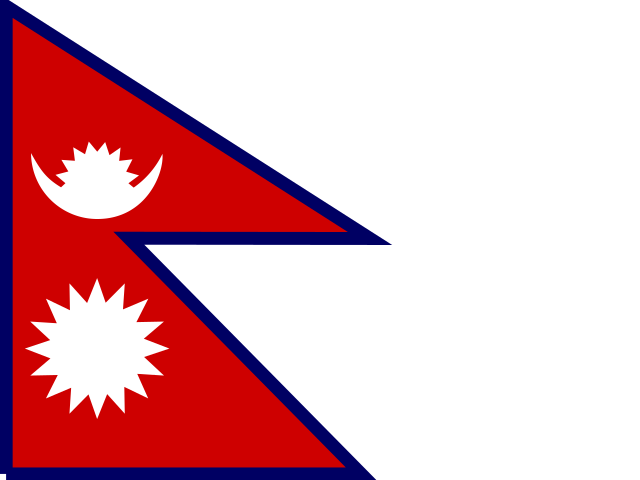
NP Nepal
Kathmandu
NL Netherlands
Amsterdam
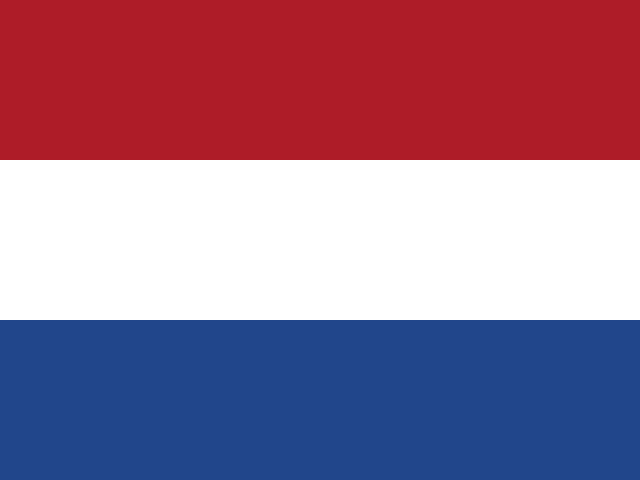
NC New Caledonia
Nouméa
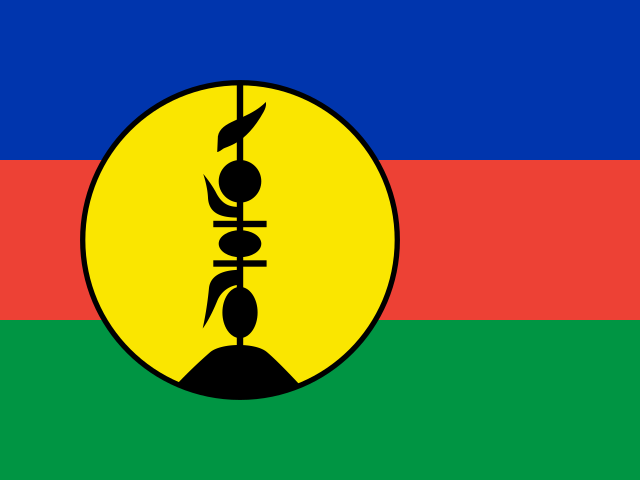
NZ New Zealand
Wellington
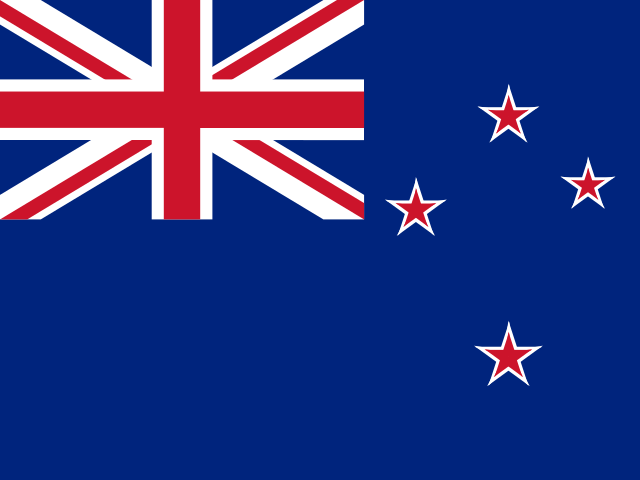
NI Nicaragua
Managua
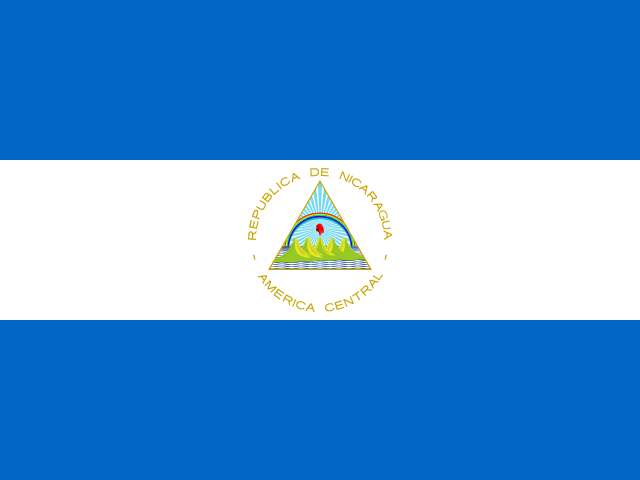
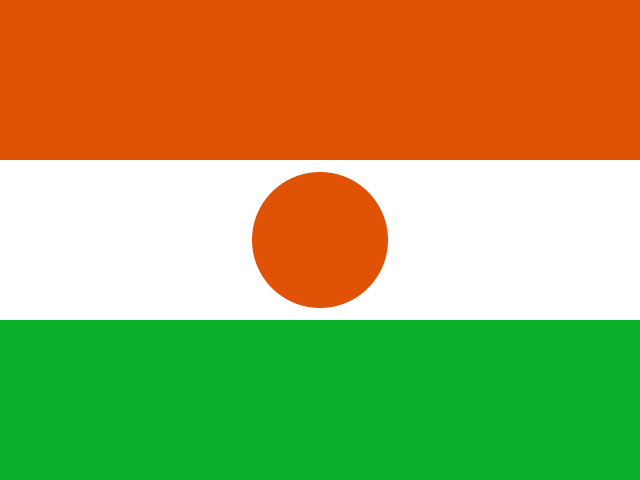
NE Niger
Niamey
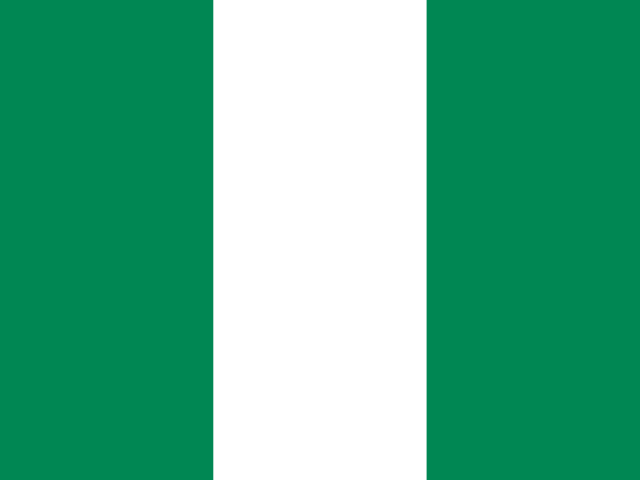
NG Nigeria
Abuja
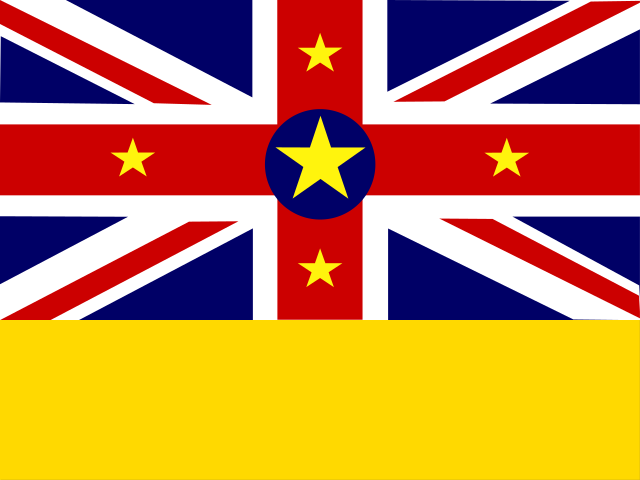
NU Niue
Alofi
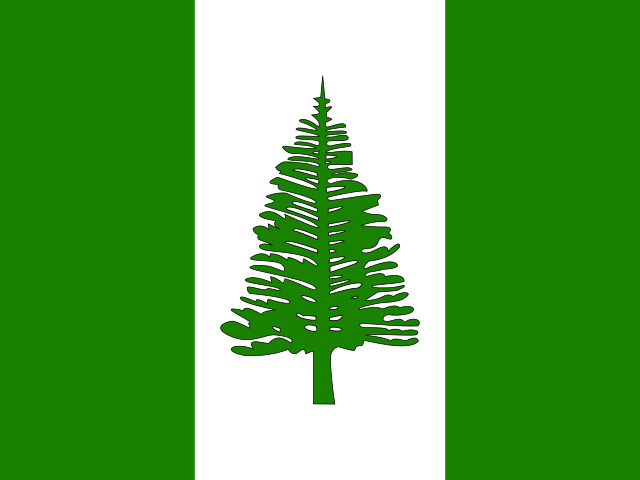
NF Norfolk Island
Kingston
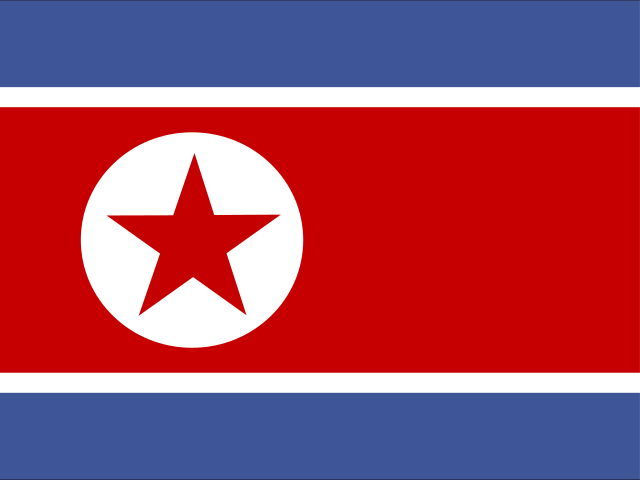
KP North Korea
Pyongyang
MK North Macedonia
Skopje

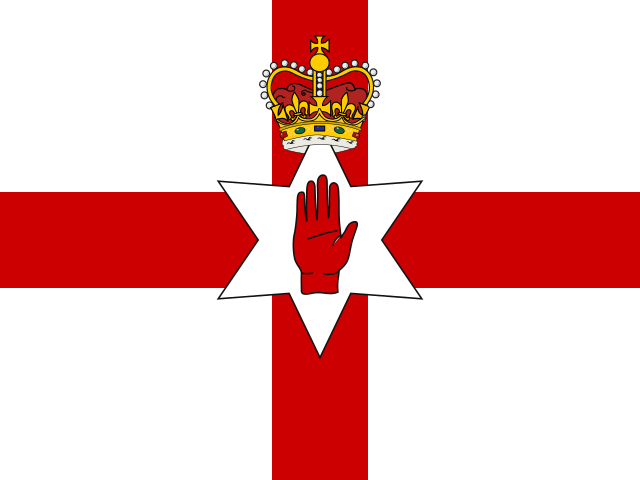
GB-NIR Northern Ireland
Belfast
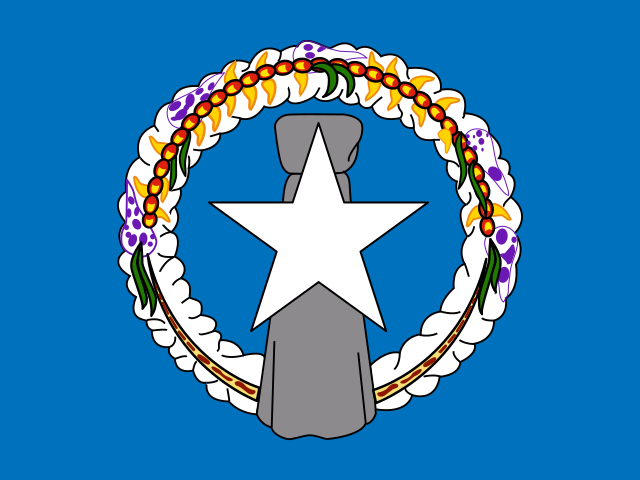
MP Northern Mariana Islands
Saipan
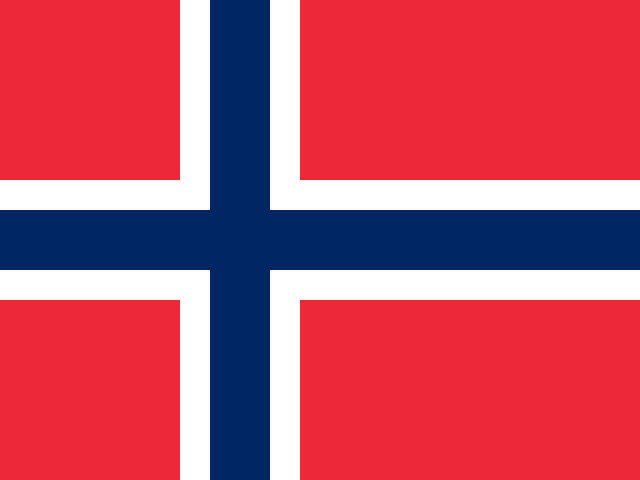
NO Norway
Oslo
OM Oman
Muscat
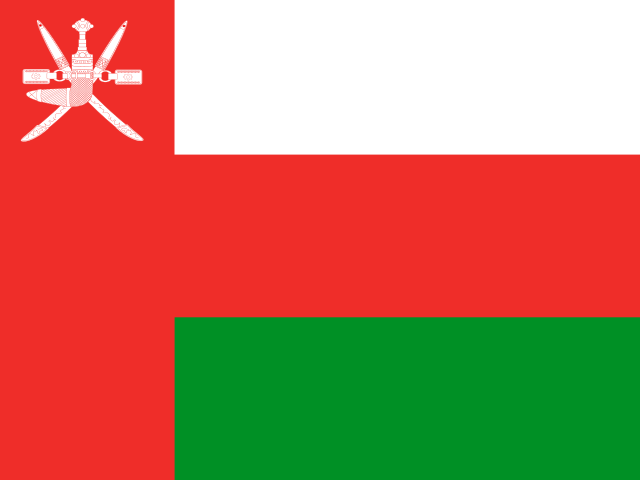
PK Pakistan
Islamabad
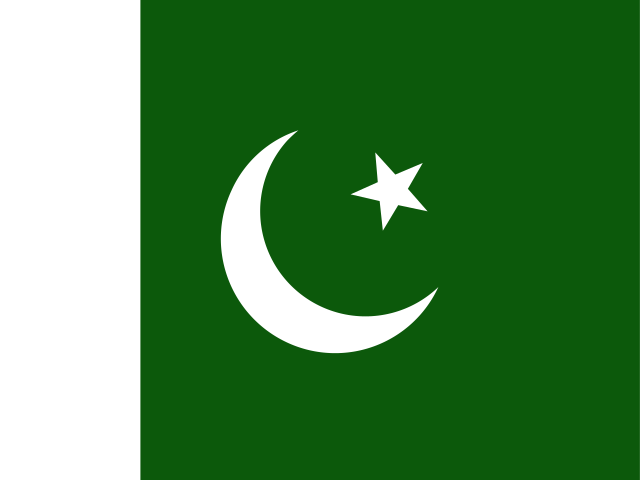
PW Palau
Ngerulmud
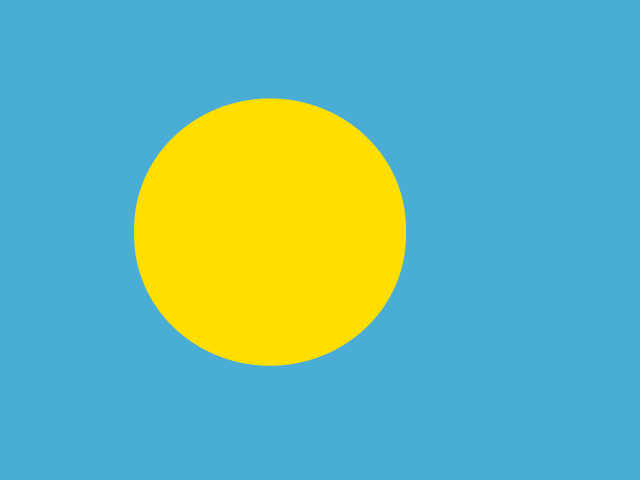
PA Panama
Panama City
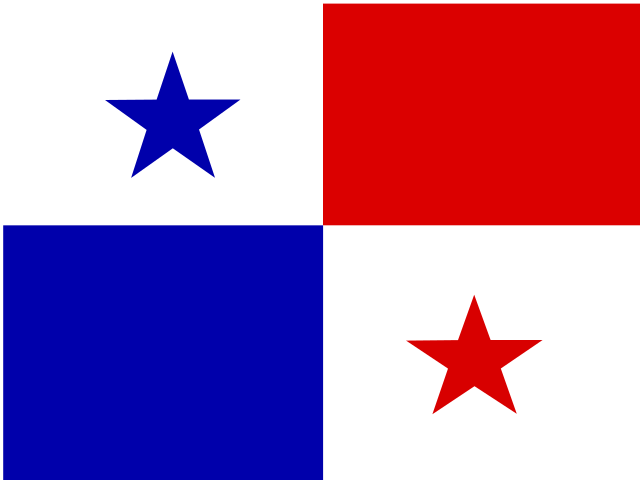
PG Papua New Guinea
Port Moresby
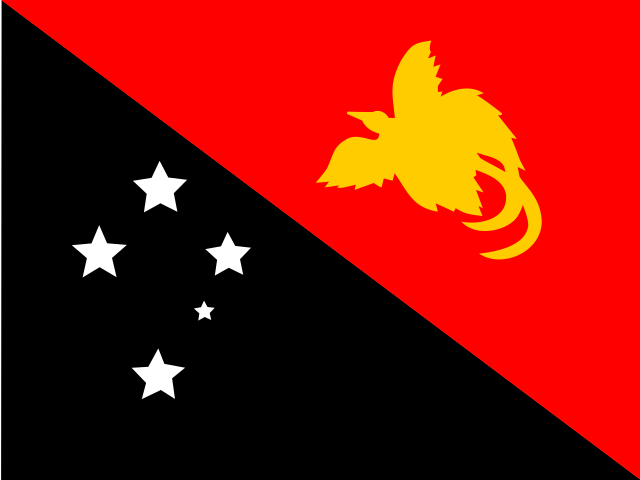
PY Paraguay
Asunción
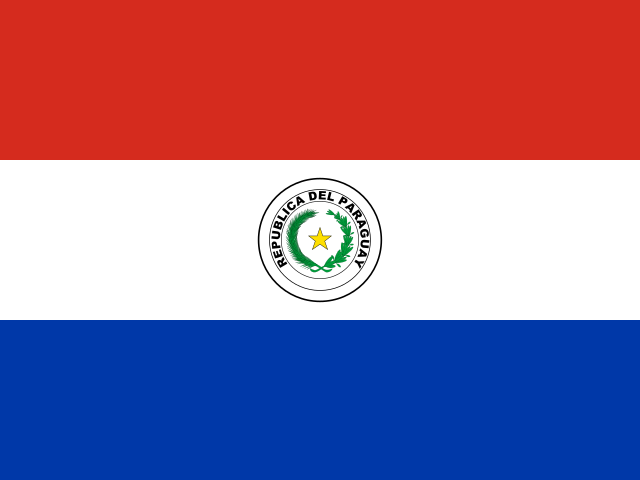
PE Peru
Lima
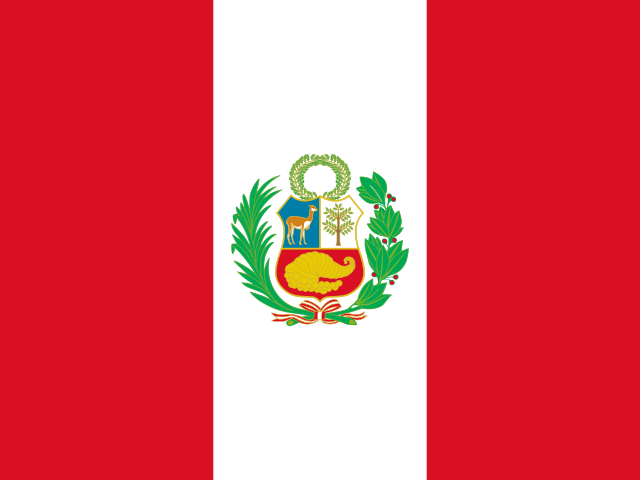
PH Philippines
Manila
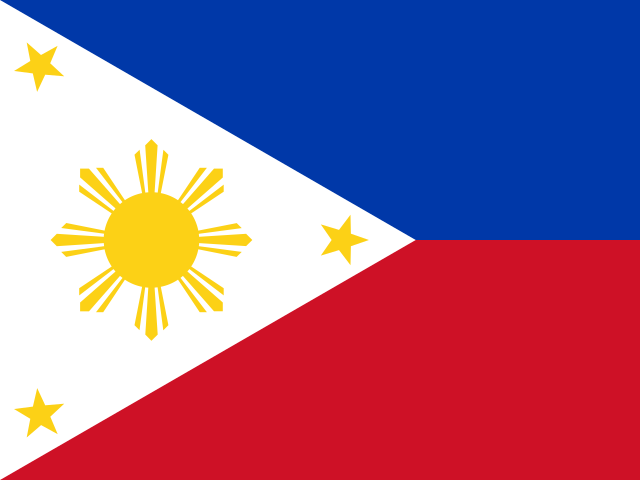
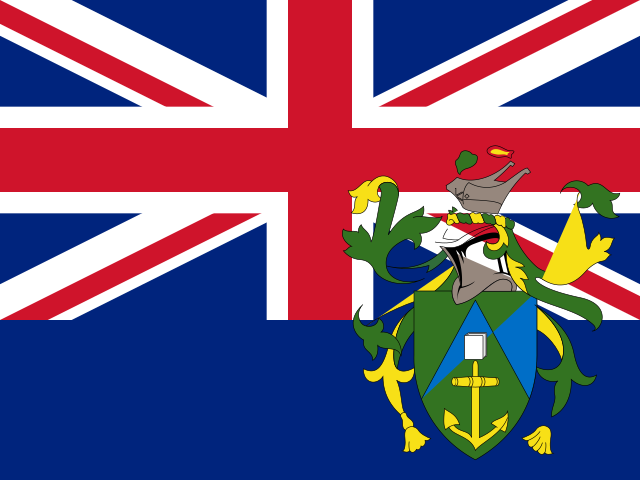
PN Pitcairn
Adamstown
PL Poland
Warsaw

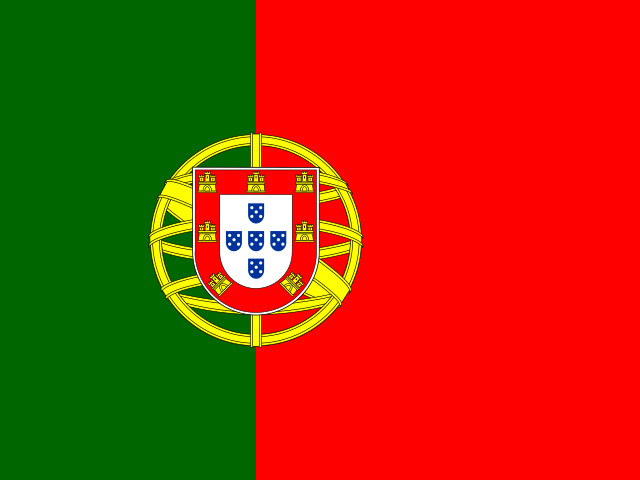
PT Portugal
Lisbon
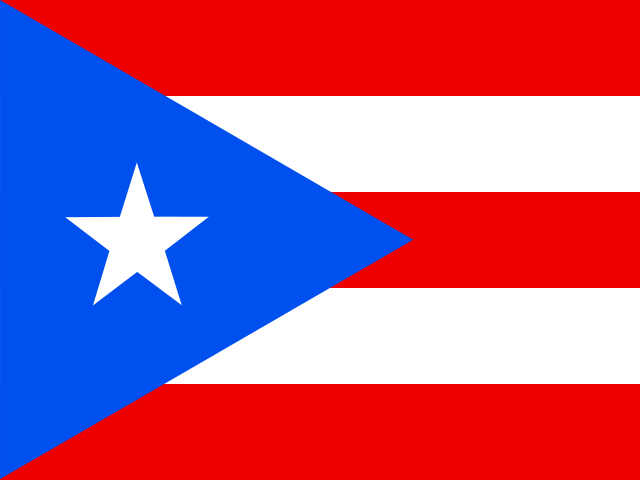
PR Puerto Rico
San Juan
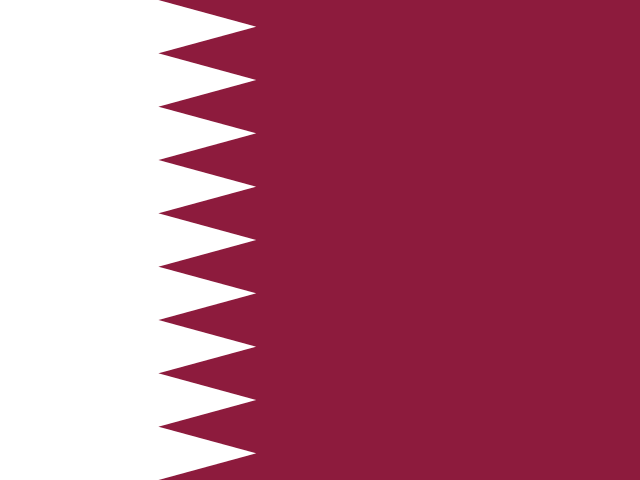
QA Qatar
Doha
CG Republic of the Congo
Brazzaville

RO Romania
Bucharest
RU Russia
Moscow
RW Rwanda
Kigali
RE Réunion
Saint-Denis
BL Saint Barthélemy
Gustavia
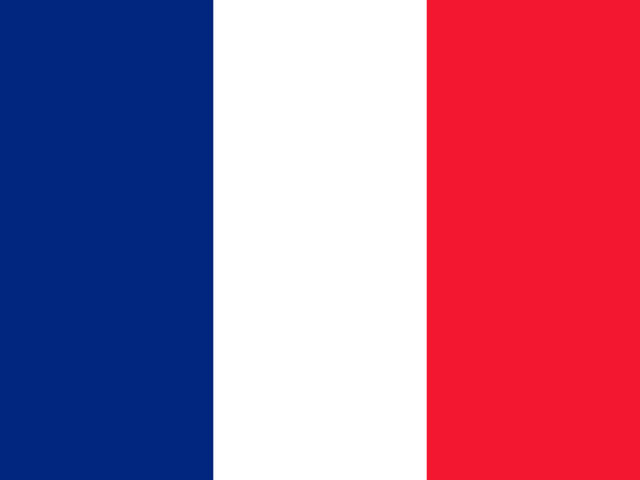
SH Saint Helena, Ascension and Tristan da Cunha
Jamestown
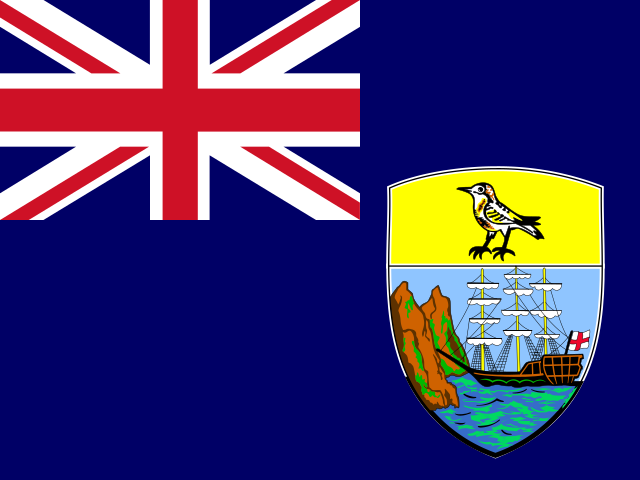
KN Saint Kitts and Nevis
Basseterre
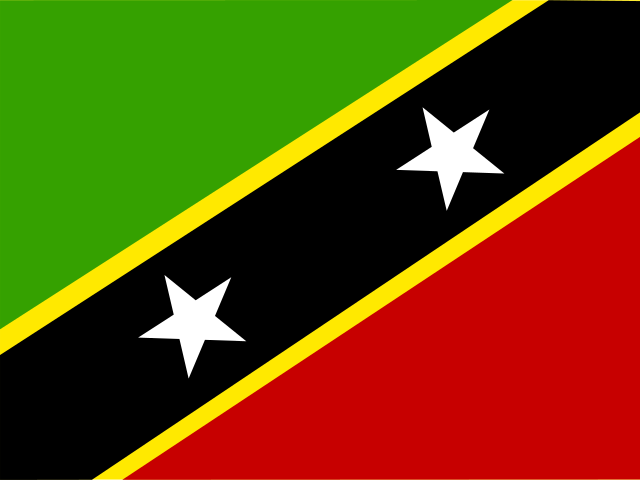
LC Saint Lucia
Castries
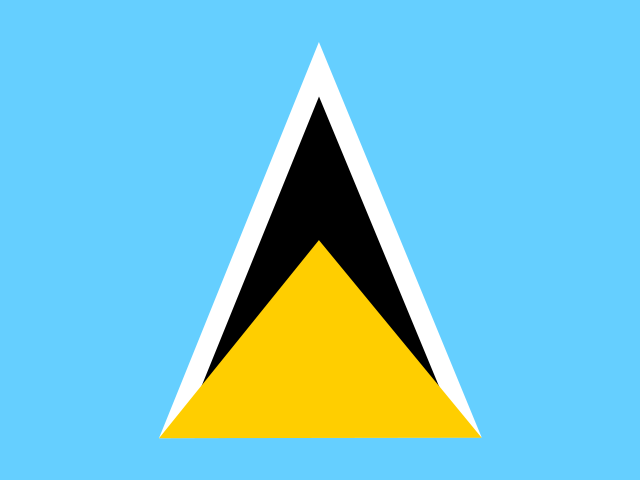
MF Saint Martin
Marigot
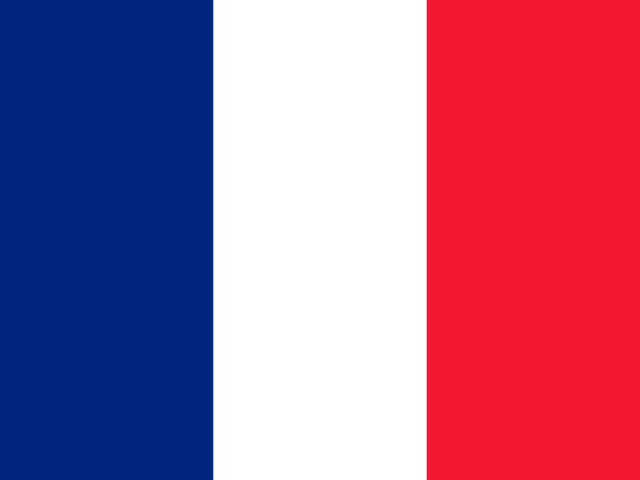
PM Saint Pierre and Miquelon
Saint-Pierre
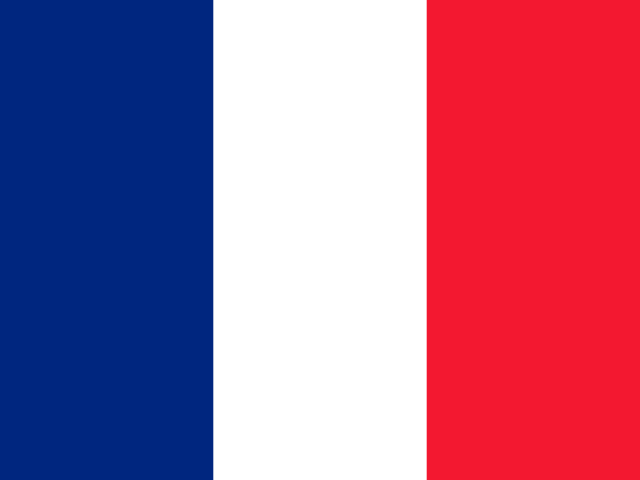
VC Saint Vincent and the Grenadines
Kingstown
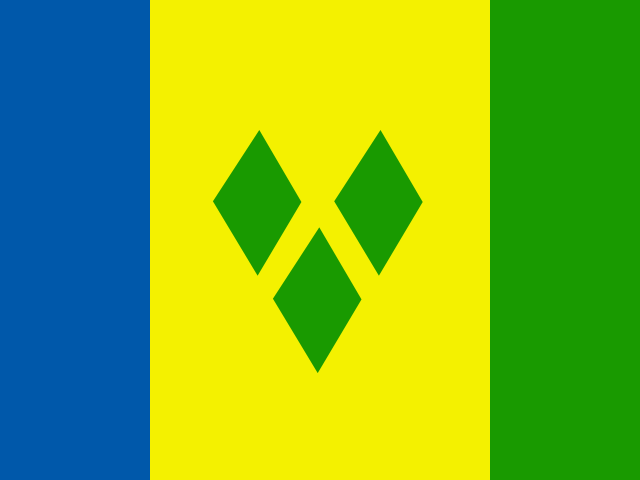
WS Samoa
Apia
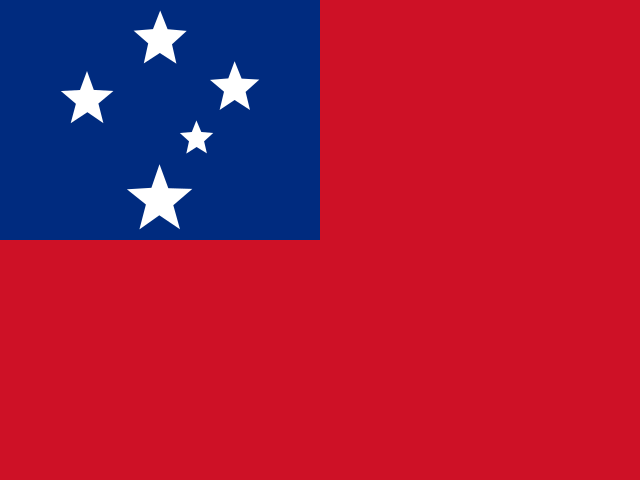
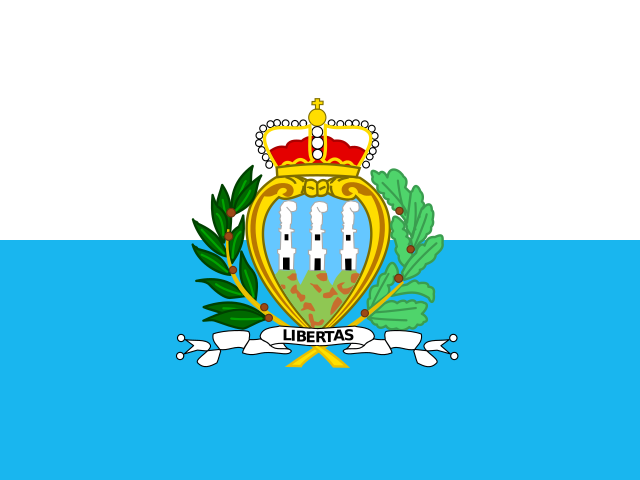
SM San Marino
San Marino
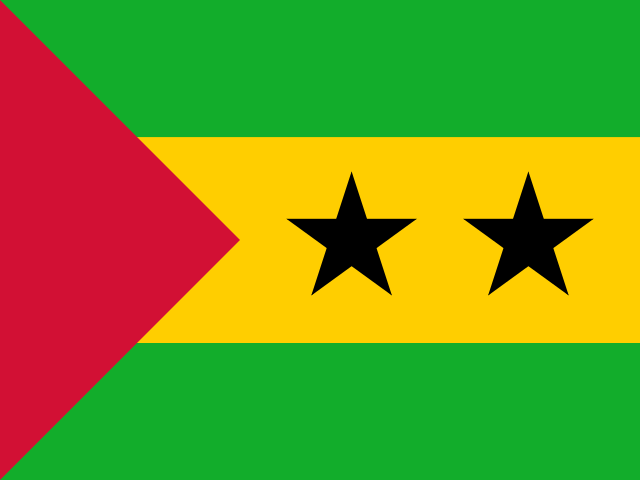
ST Sao Tome and Principe
São Tomé
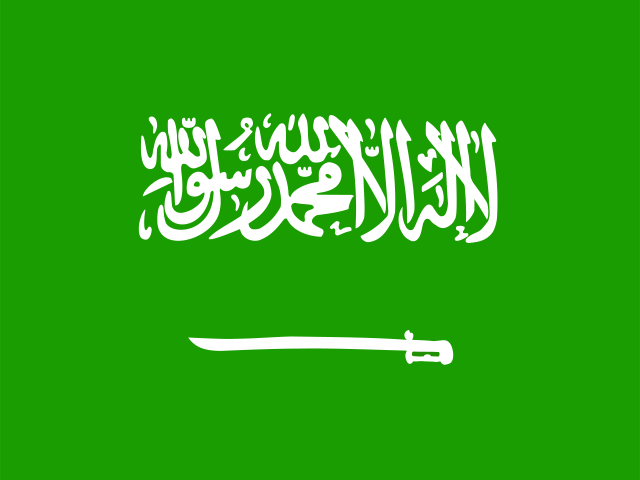
SA Saudi Arabia
Riyadh
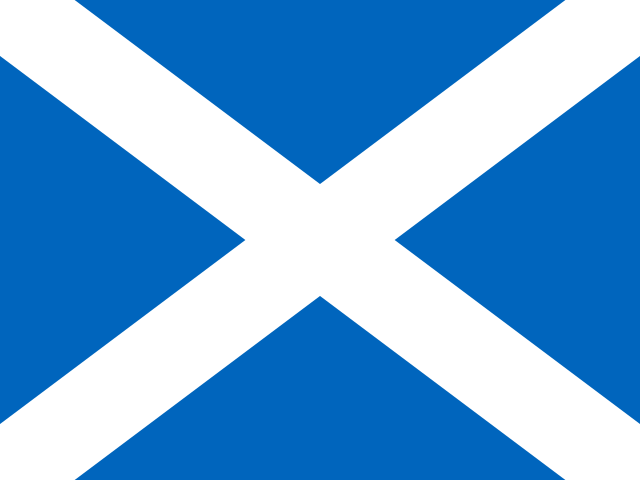
GB-SCT Scotland
Edinburgh
SN Senegal
Dakar
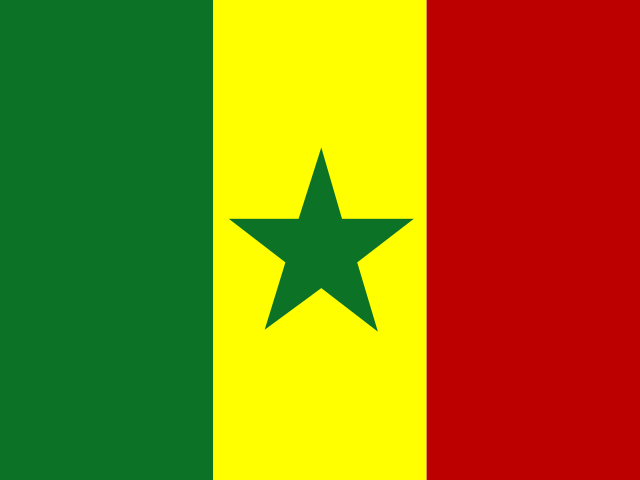
RS Serbia
Belgrade
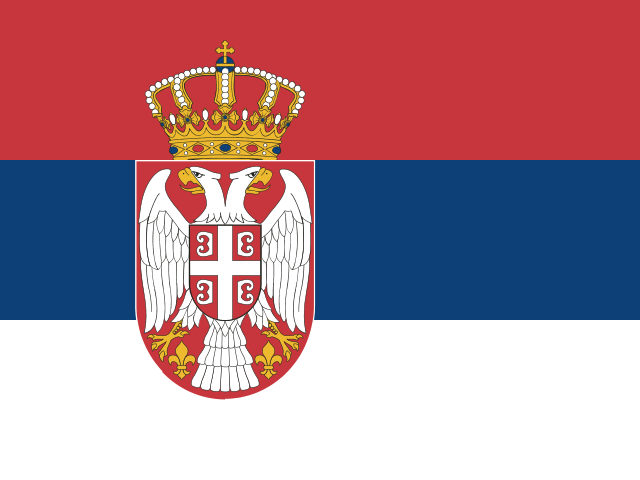
SC Seychelles
Victoria
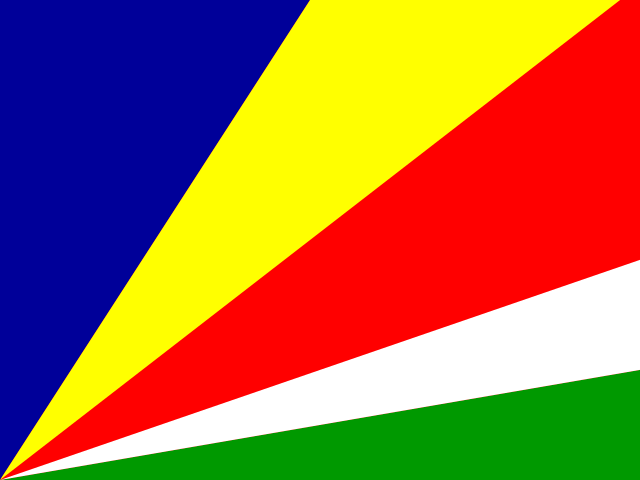
SL Sierra Leone
Freetown

SG Singapore
Singapore
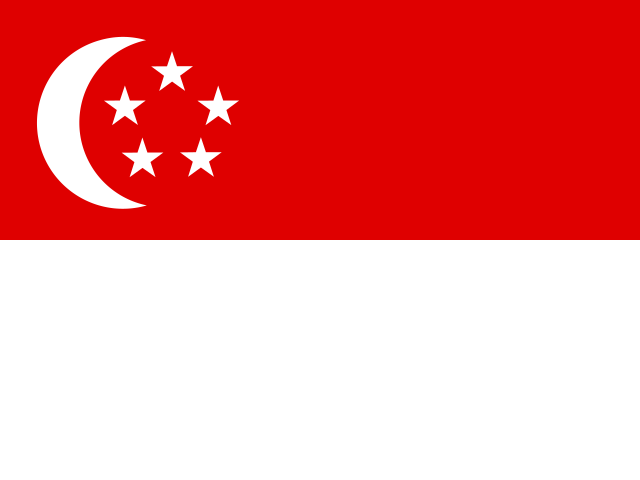
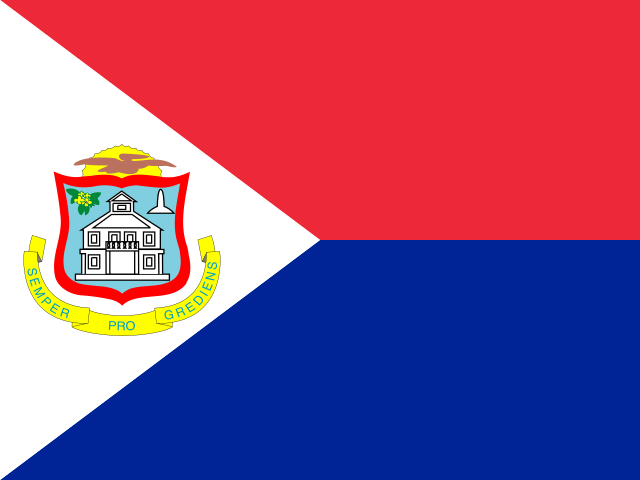
SX Sint Maarten
Philipsburg
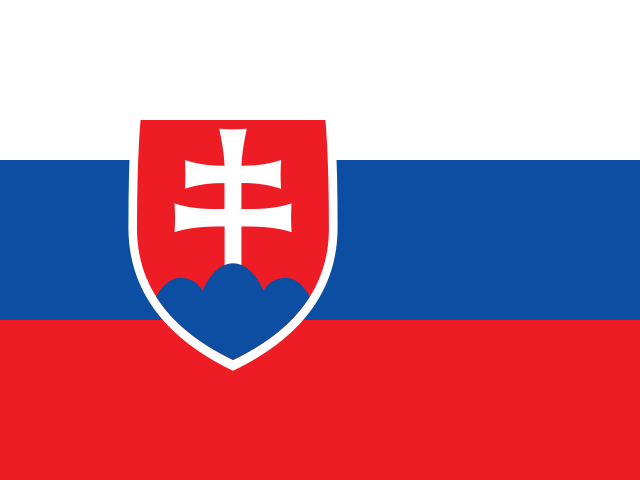
SK Slovakia
Bratislava
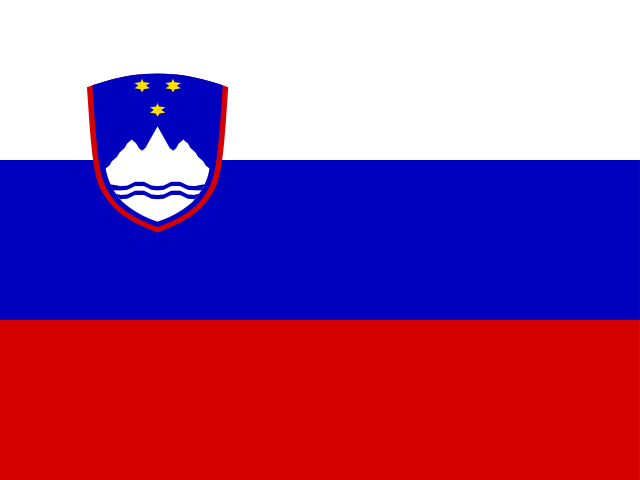
SI Slovenia
Ljubljana
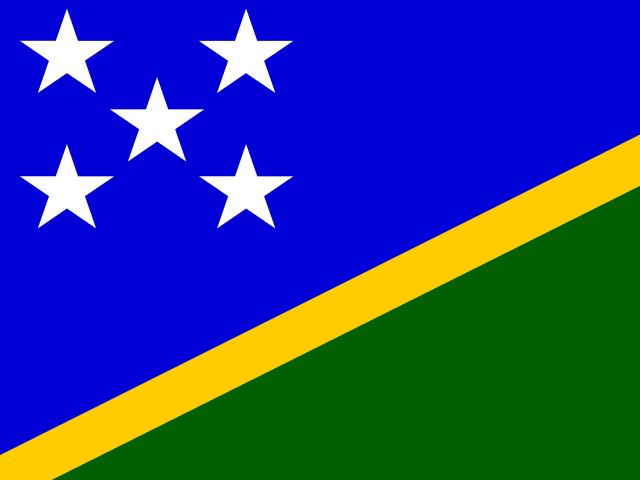
SB Solomon Islands
Honiara
SO Somalia
Mogadishu
ZA South Africa
Pretoria
GS South Georgia and the South Sandwich Islands
King Edward Point
KR South Korea
Seoul

SS South Sudan
Juba
ES Spain
Madrid
LK Sri Lanka
Sri Jayawardenepura Kotte, Colombo
PS State of Palestine
Ramallah
SD Sudan
Khartoum
SR Suriname
Paramaribo
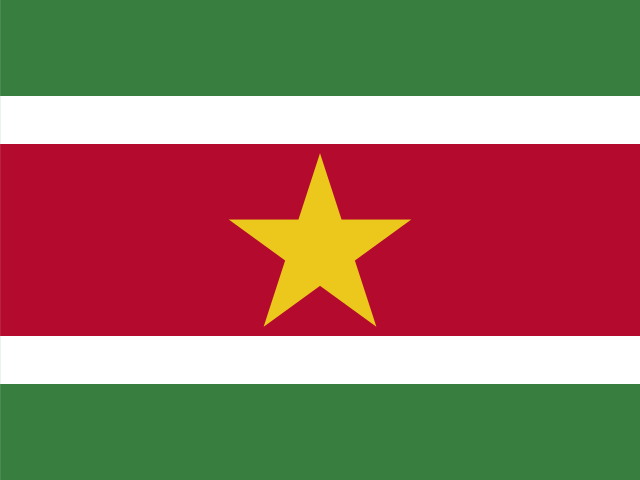
SJ Svalbard and Jan Mayen
Longyearbyen
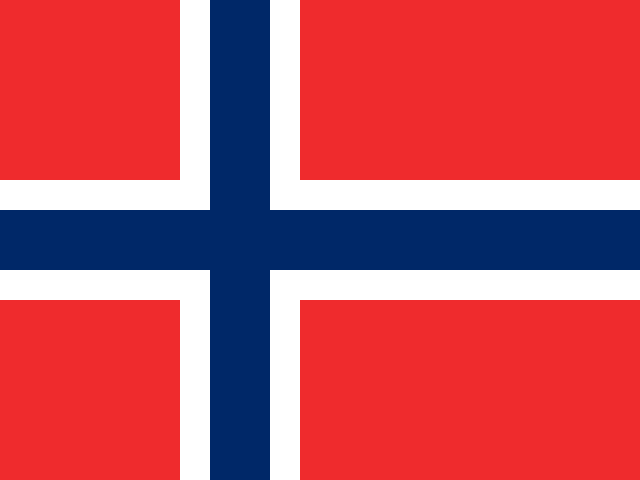
SZ Swaziland
Lobamba, Mbabane
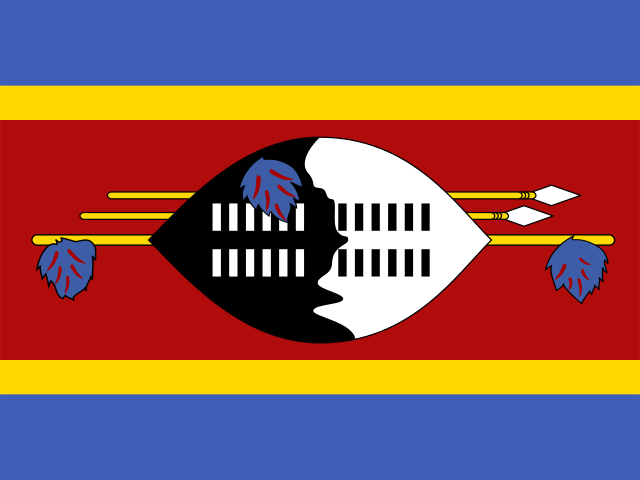
SE Sweden
Stockholm
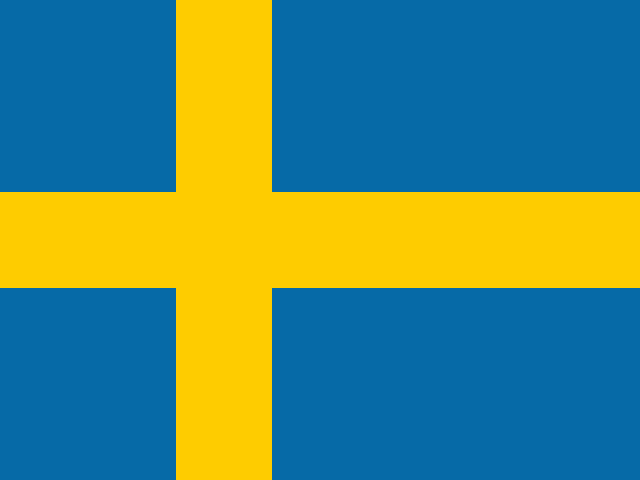
CH Switzerland
Bern

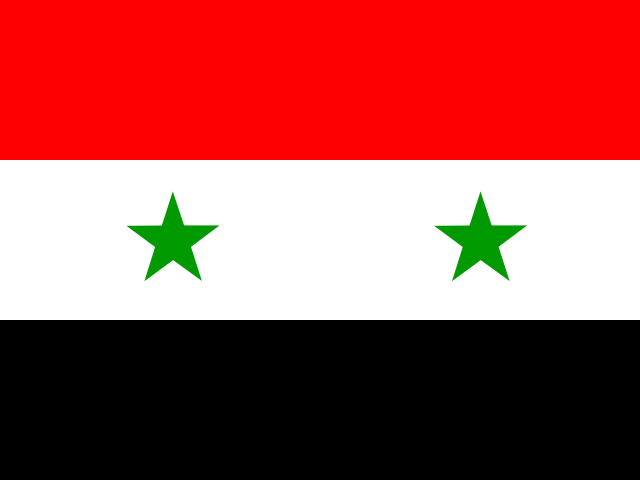
SY Syrian Arab Republic
Damascus
T - Z
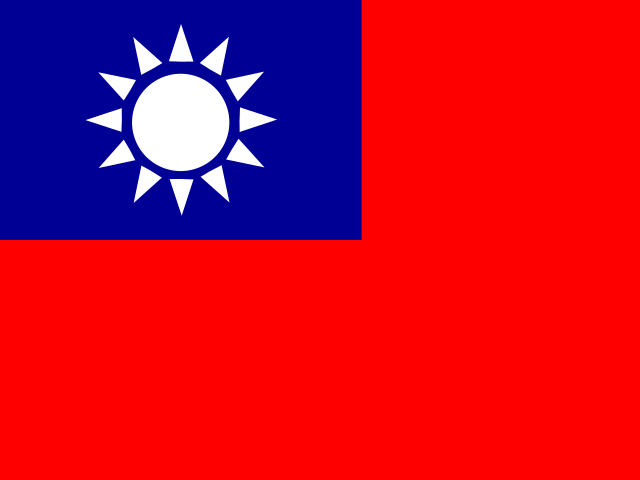
TW Taiwan
Taipei
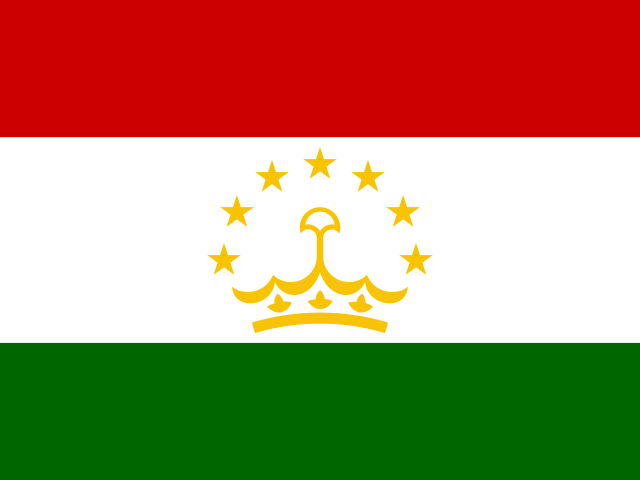
TJ Tajikistan
Dushanbe
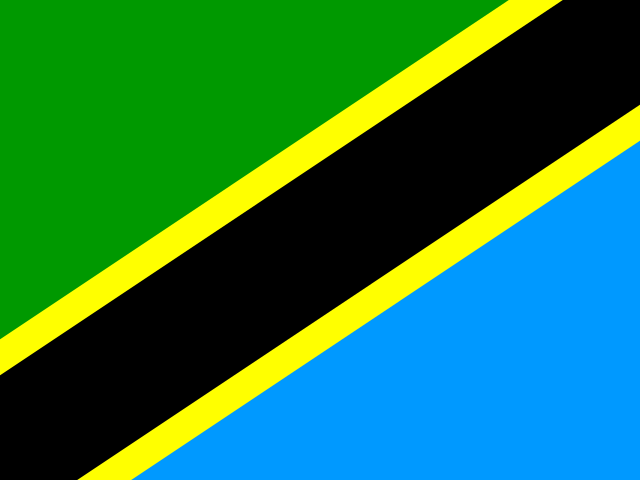
TZ Tanzania
Dodoma
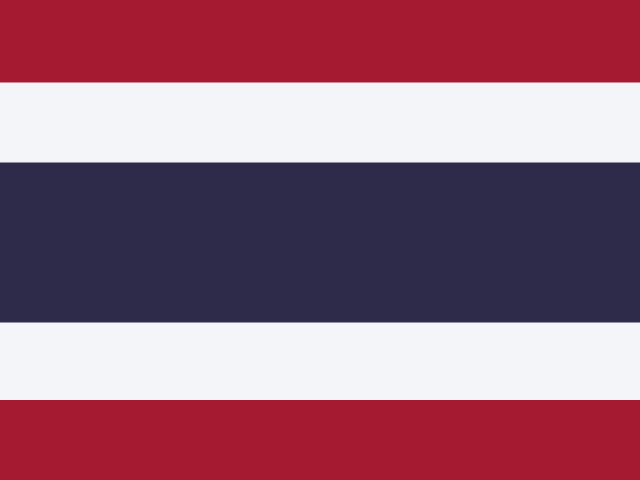
TH Thailand
Bangkok
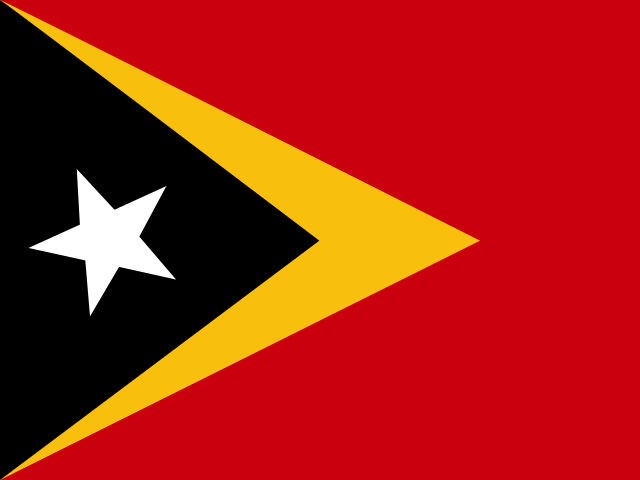
TL Timor-Leste
Dili
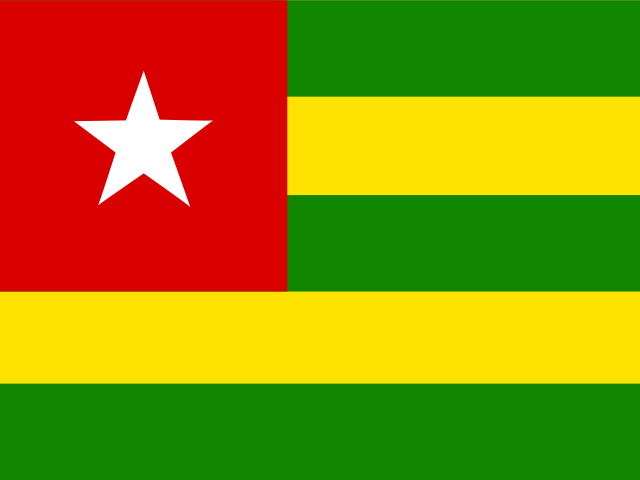
TG Togo
Lomé
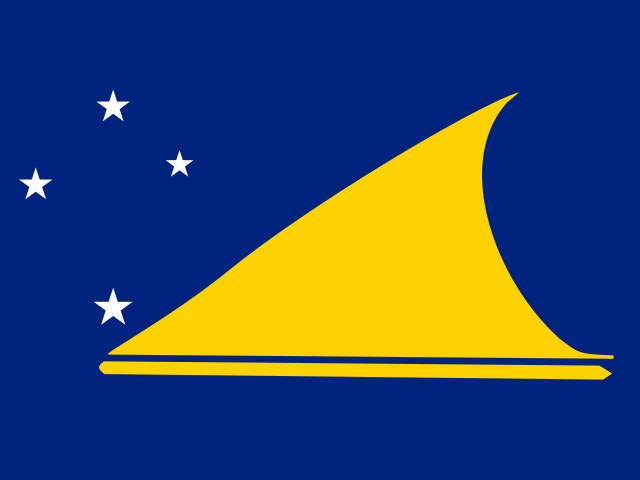
TK Tokelau
Nukunonu, Atafu,Tokelau
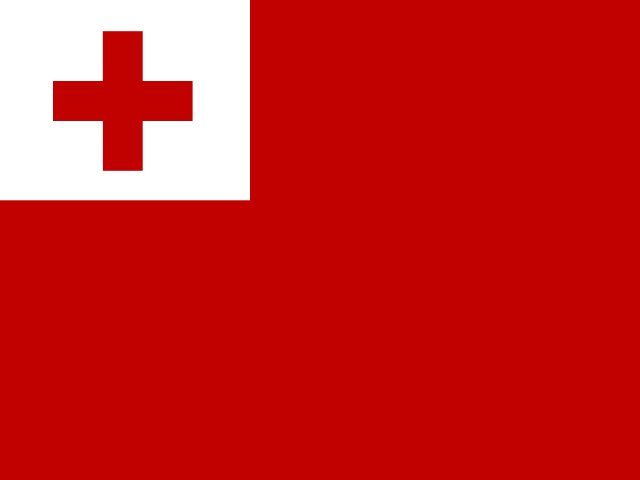
TO Tonga
Nukuʻalofa
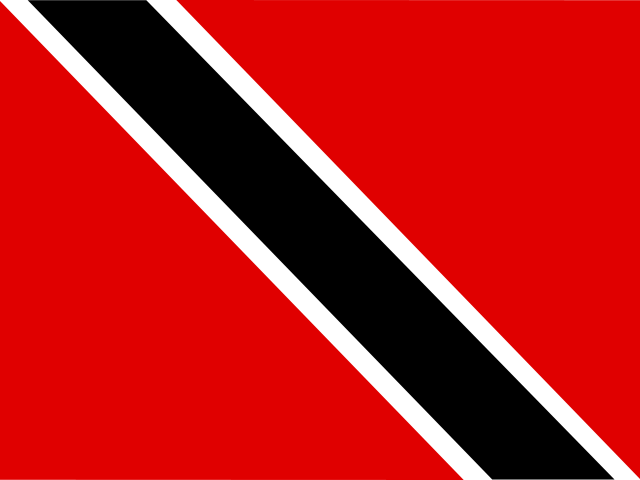
TT Trinidad and Tobago
Port of Spain
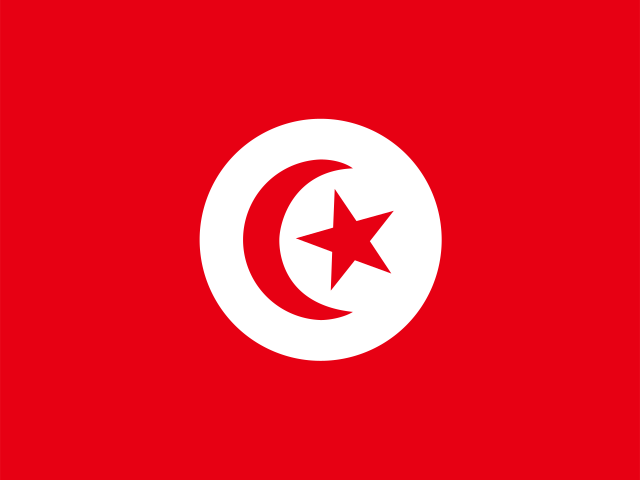
TN Tunisia
Tunis
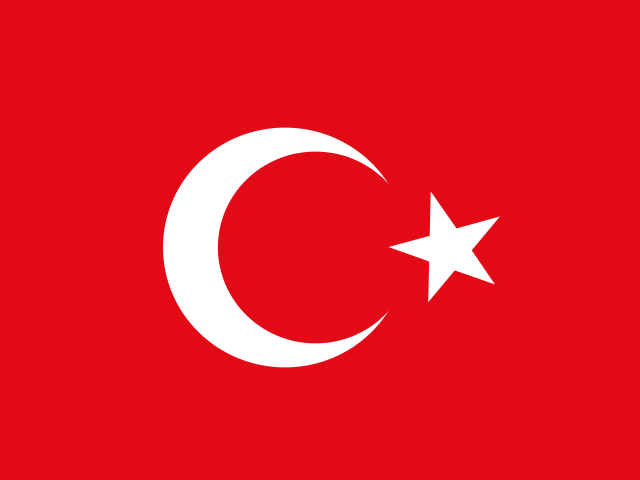
TR Turkey
Ankara
TM Turkmenistan
Ashgabat
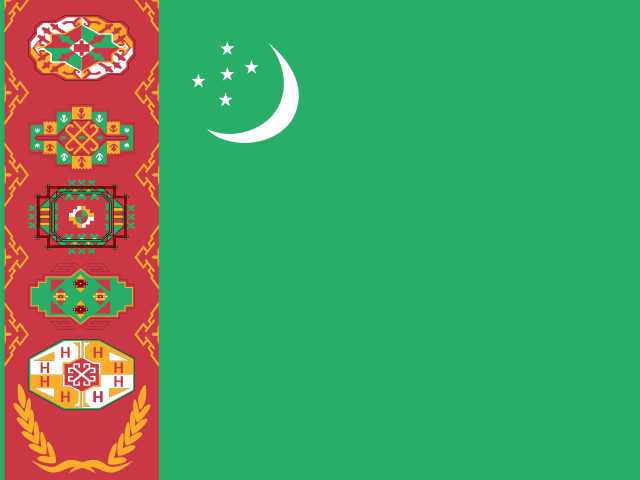
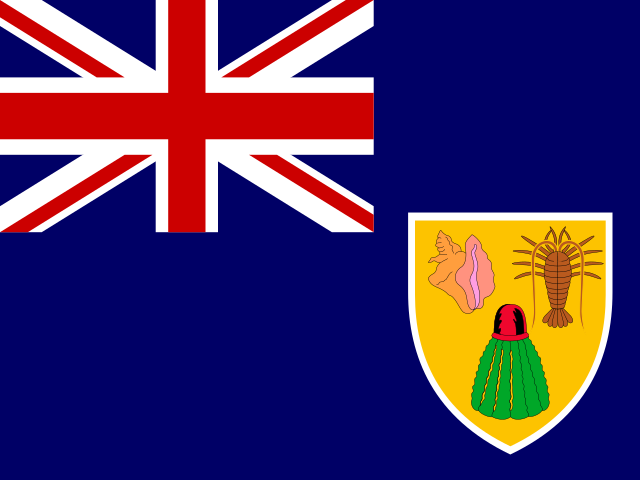
TC Turks and Caicos Islands
Cockburn Town
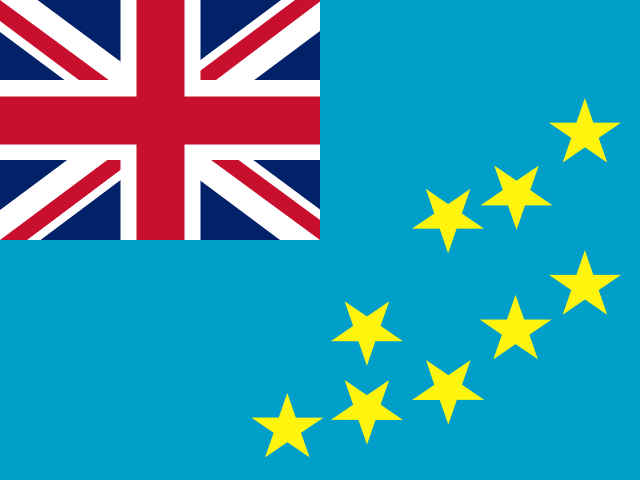
TV Tuvalu
Funafuti
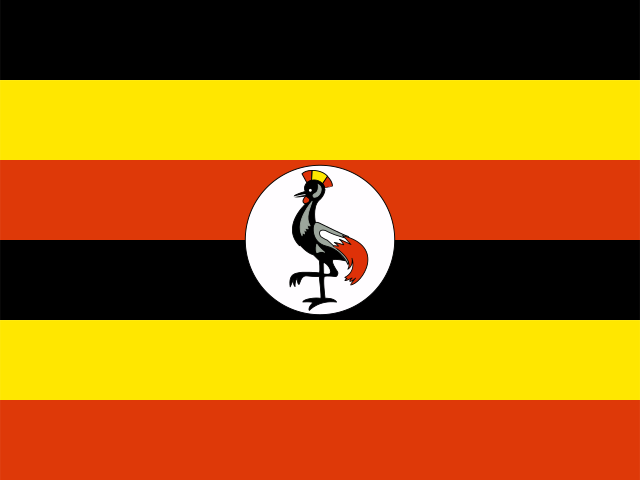
UG Uganda
Kampala
UA Ukraine
Kiev
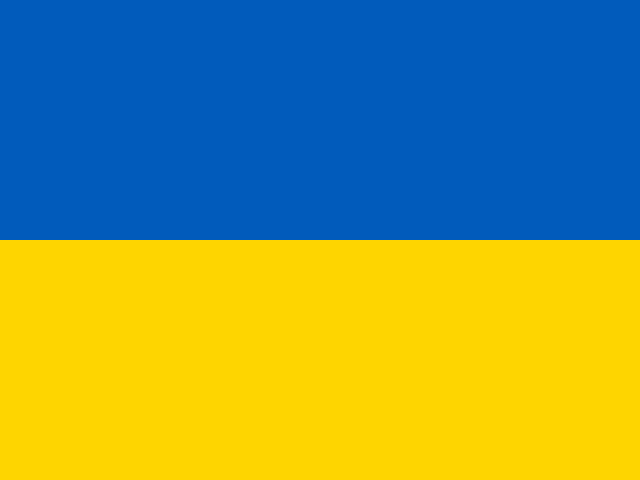
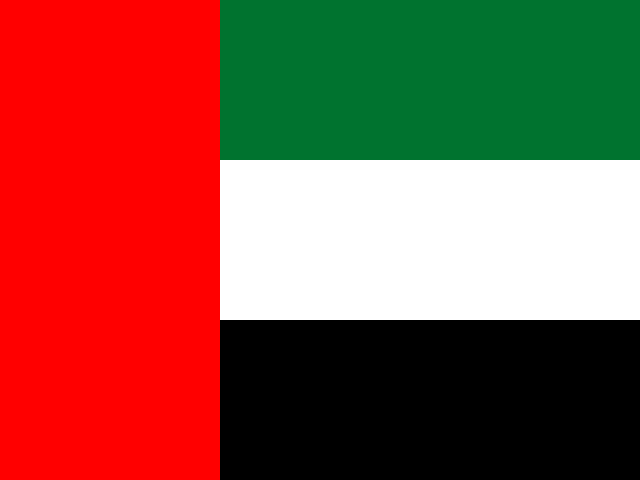
AE United Arab Emirates
Abu Dhabi
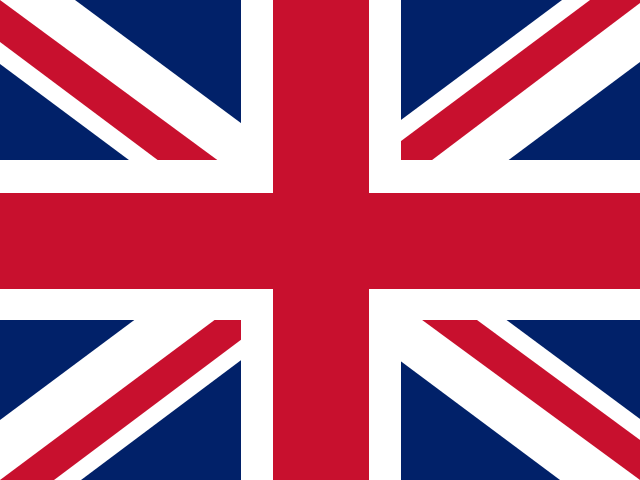
GB United Kingdom
London
UM United States Minor Outlying Islands
Washington, D.C.
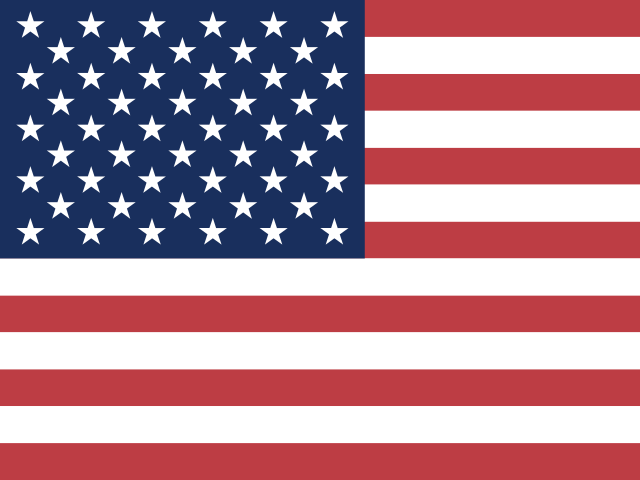
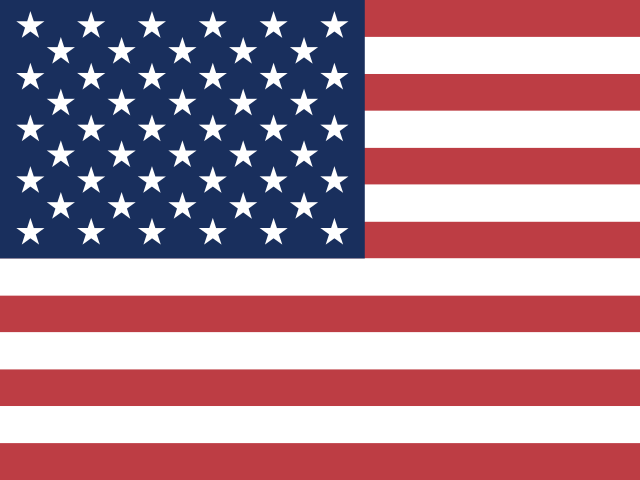
US United States of America
Washington, D.C.
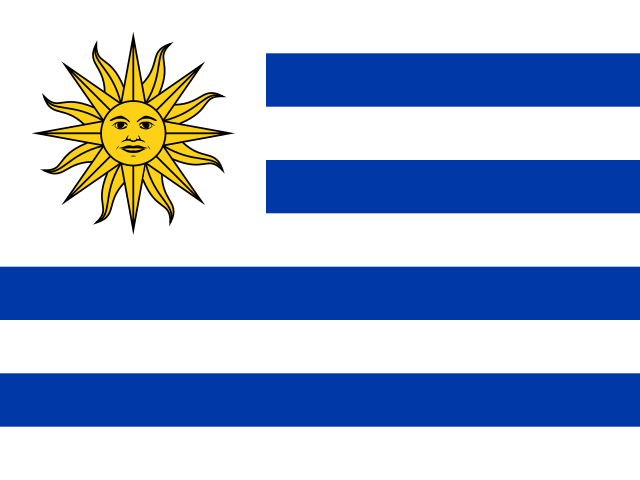
UY Uruguay
Montevideo
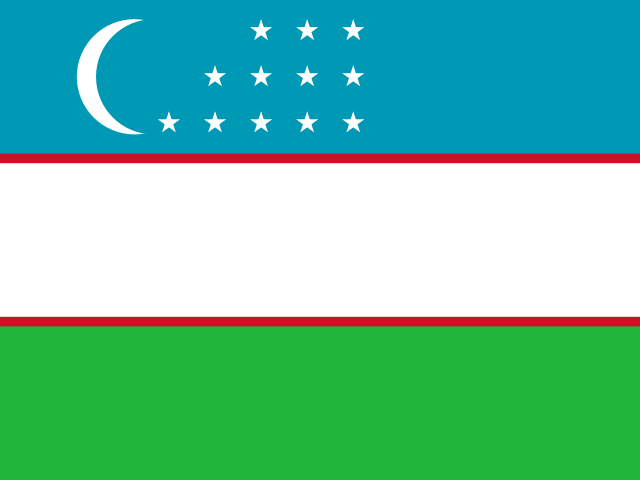
UZ Uzbekistan
Tashkent
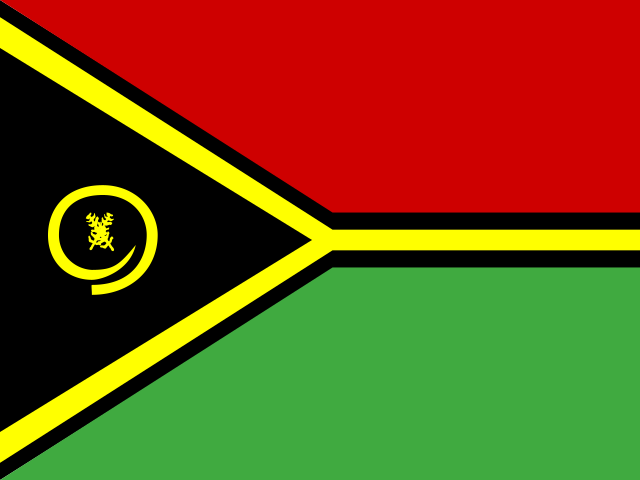
VU Vanuatu
Port Vila
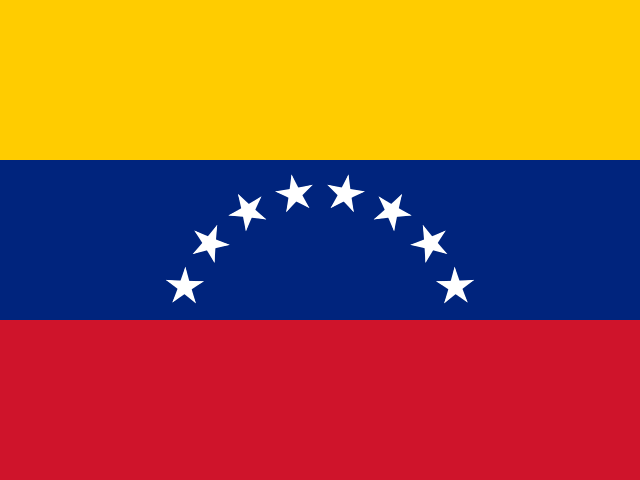
VE Venezuela (Bolivarian Republic of)
Caracas
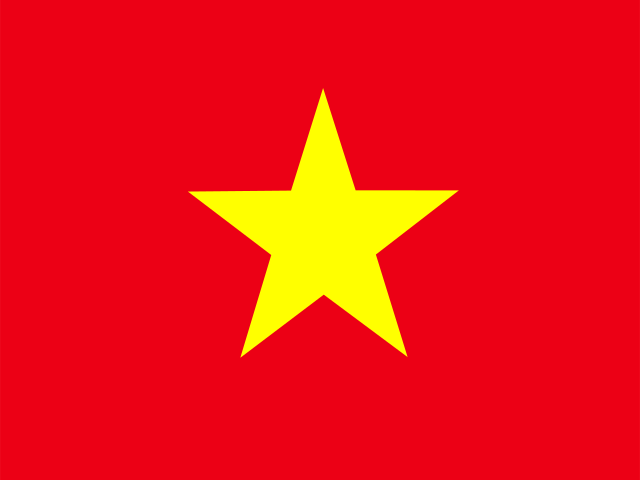
VN Vietnam
Hanoi
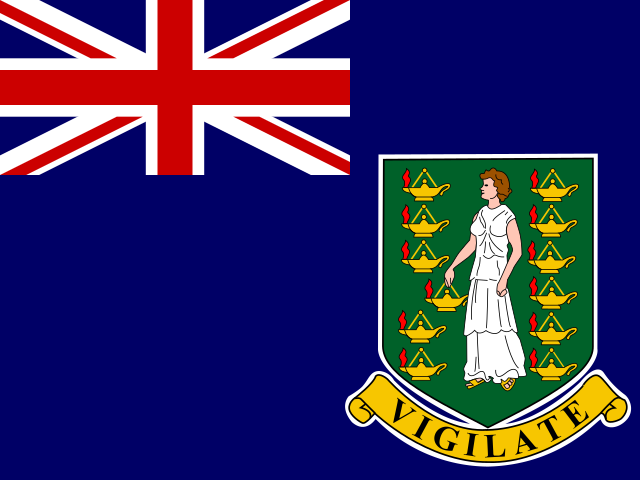
VG Virgin Islands (British)
Road Town
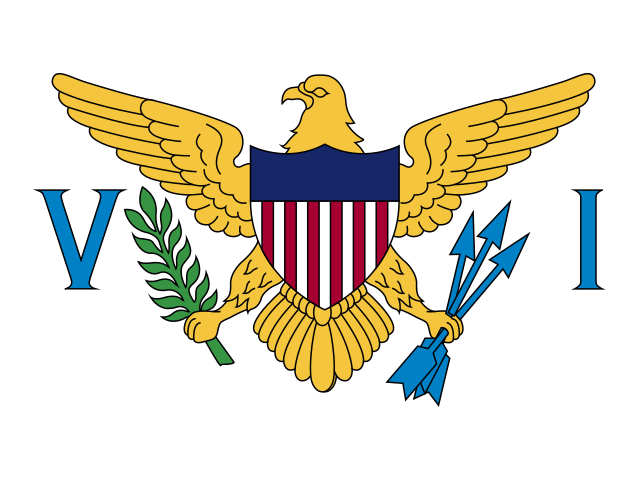
VI Virgin Islands (U.S.)
Charlotte Amalie
GB-WLS Wales
Cardiff
WF Wallis and Futuna
Mata-Utu
EH Western Sahara
Laayoune
YE Yemen
Sana'a
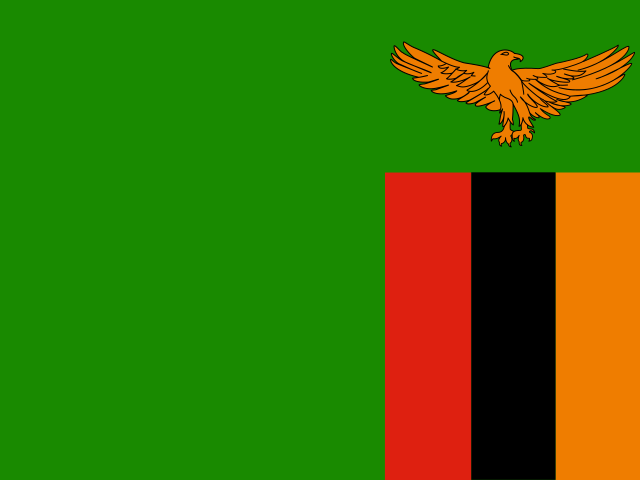
ZM Zambia
Lusaka
ZW Zimbabwe
Harare